Your ZevInbox address
The address every inbox has from the start, when it is used, and what happens if you change it.
Updated 1 min read
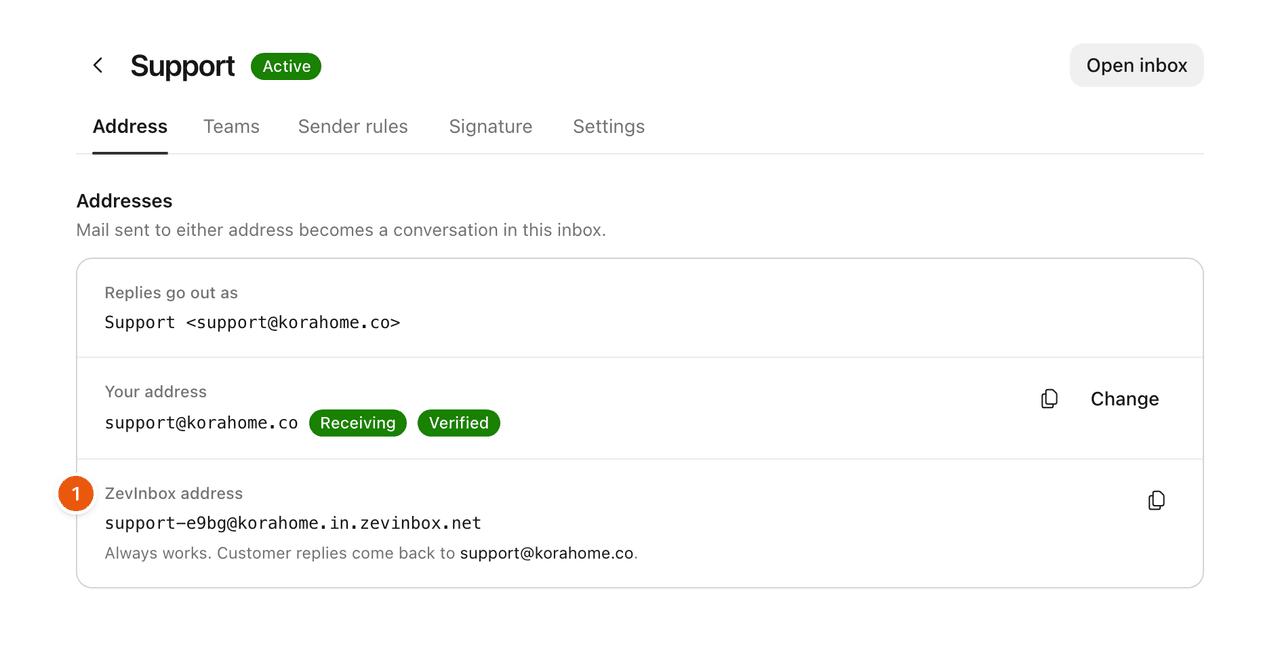
Every inbox has a ZevInbox address from the moment it is created, ending in @yourname.in.zevinbox.net. It always works, with or without your own domain.
Find it in Settings › Inboxes: open the inbox and go to the Address tab.
When it is used
Before your domain is set up. Customers can write to it, and replies go out from it.
While your domain is not verified yet. Replies go out from the ZevInbox address until your domain is verified, then switch to your own address by themselves. The Address tab shows which address replies go out as.
As the place to forward to, if you keep your current email provider. See Forward your addresses from Google Workspace or Microsoft 365.
Mail sent to either address, the ZevInbox one or your own, becomes a conversation in the same inbox.
Changing the end of the address
The part before .in.zevinbox.net comes from your organization's address slug. Owners and admins can change it in Settings › General › Profile.
Related
Was this helpful?
Still stuck?
Email hello@zevinbox.com with what you tried, and the team answers.