Answer your shared email as a team
One inbox for support@, orders@ and every shared address on your domain. Everyone sees the same conversations, knows who owns each one, and talks about it without forwarding.


The ZevInbox web app on a phone
Shared passwords and forwarded mail lose customers.
One inbox per address, organized by team
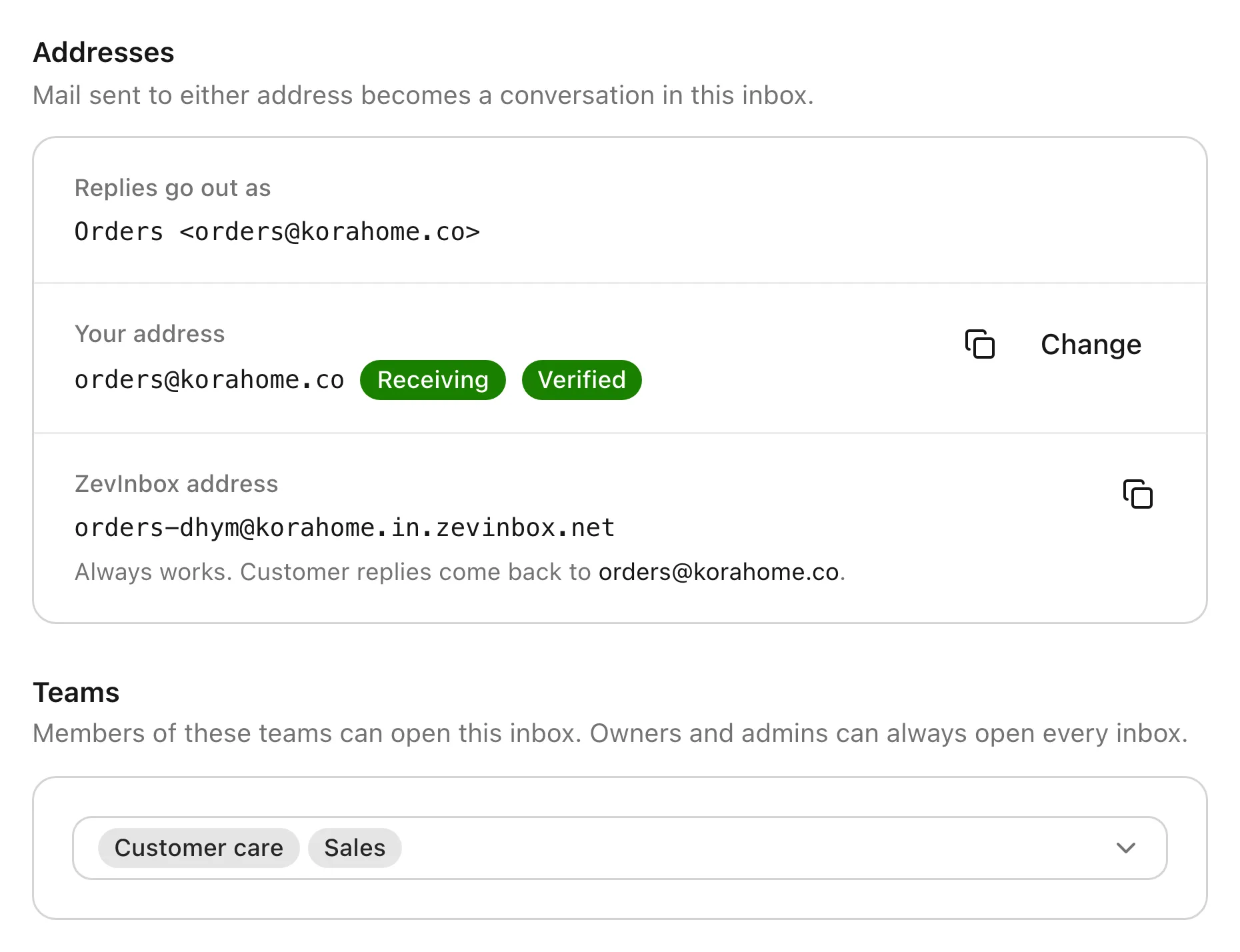
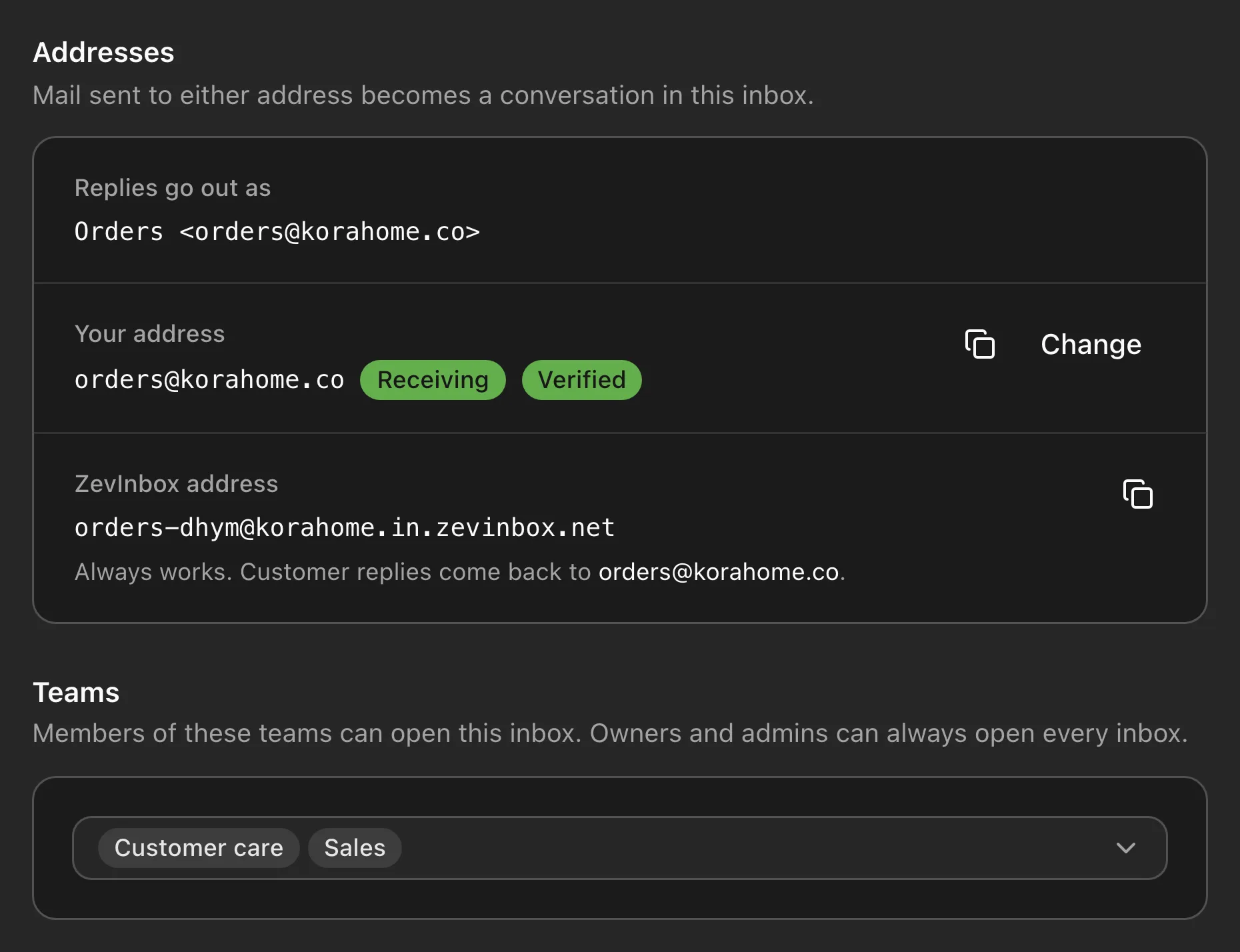
Two of you answer the same email, and nobody answers the next one. ZevInbox gives every shared address one inbox, and every inbox a team that owns it.
Your business: its domain, its people and its settings. Switch between organizations if you belong to more than one.
The people who work together, like Customer care or Sales. Each team has the inboxes it answers, and an inbox can belong to more than one team.
One per shared address, like support@ or orders@. Members see only the inboxes their teams use. Owners and admins see all of them.


Organization
Your business: its domain, its people and its settings. Switch between organizations if you belong to more than one.
Teams
The people who work together, like Customer care or Sales. Each team has the inboxes it answers, and an inbox can belong to more than one team.
Inboxes
One per shared address, like support@ or orders@. Members see only the inboxes their teams use. Owners and admins see all of them.
Collaboration
Talk about an email without forwarding it
Leave an internal note on any conversation and @mention a teammate. Notes sit in the thread next to the email they are about, and customers never see them.
How collaboration works

Compose and drafts
Drafts open as tabs, and two people can write one
Start a reply and it opens as a tab next to your conversations. Share a draft and write it together, with each other’s cursors on screen. Everything saves as you type.
How drafts work

The ZevInbox web app on a phone
Ownership
Every conversation has an owner
New mail waits in All unassigned until someone takes it. Assign it, snooze it for the team, or set a reminder only you can see.
How ownership works


Custom domain
Your team answers from your own domain
Use ZevInbox as your full mailbox, or keep your current provider and forward shared addresses to it. Each DNS record is listed with a copy button, checked for you, and checked again every six hours.
How domains work

The ZevInbox web app on a phone
Know which mail to trust
Every message is scanned for spam, phishing and viruses on the way in. Senders that prove who they are get a mark, and dangerous mail is held until an owner or admin looks at it.
- Verified senders
- Marks for verified brands, Zevop itself, senders verified by ZevSend or ZevCampaign, and senders your team trusts.
- Quarantine
- Viruses, phishing, fake mail from your own domain and dangerous attachments are withheld from everyone.


The ZevInbox web app on a phone
Everything updates live, and you can see who is here
New mail, notes and assignments appear for everyone as they happen. Avatars show who is viewing a conversation, and you are warned when someone is already replying.


The ZevInbox web app on a phone
iOS and Android
iOS and Android apps are coming soon
Until they arrive, the web app works in your phone’s browser, with the same live inbox.
About the mobile appsThe ZevInbox web app on a phone, today. Not the native app.


Questions people ask first
What is ZevInbox?
ZevInbox is a shared inbox for teams on their own domain. Mail to an address like support@ or orders@ lands in one inbox the whole team can see. Each conversation has an owner, and the team talks about it with internal notes instead of forwarding.
Does ZevInbox work with my own domain?
Yes. Use ZevInbox as your full mailbox, or keep your current email provider and forward shared addresses like support@ to ZevInbox. Replies go out from your domain. You need a verified domain to start new conversations from your own address. Every inbox also gets a ZevInbox address that receives mail and lets you reply while your domain is being set up.
Who is ZevInbox for?
Small and growing businesses where several people answer the same addresses: shops, agencies and service companies. It replaces a shared password, or a support@ forwarded to everyone.
Can customers see our internal notes?
No. Internal notes, mentions, presence and read status are only visible to your team.
Where is our mail stored?
In the European Union. Mail is stored in Cloudflare R2 under its EU jurisdiction, and outgoing mail is sent through Amazon SES in Ireland.
Is there a free plan?
Yes. Free to start. Paid plans are coming. The Free plan includes 10 members, 5 teams, 5 inboxes, 1 custom domain and 3,000 outgoing emails a month.
Is there a mobile app?
iOS and Android apps are coming soon. Until then, the web app works in your phone’s browser.
Start on the Free plan
Everything in ZevInbox, for a small team. Free to start. Paid plans are coming.
- members
- 10 members
- teams
- 5 teams
- inboxes
- 5 inboxes
- custom domain
- 1 custom domain
- outgoing emails a month
- 3,000 outgoing emails a month