Shared inbox
One inbox the whole team can see
Mail to support@, orders@ or any shared address lands in one place. Everyone on the team sees the same conversations, in the same state.
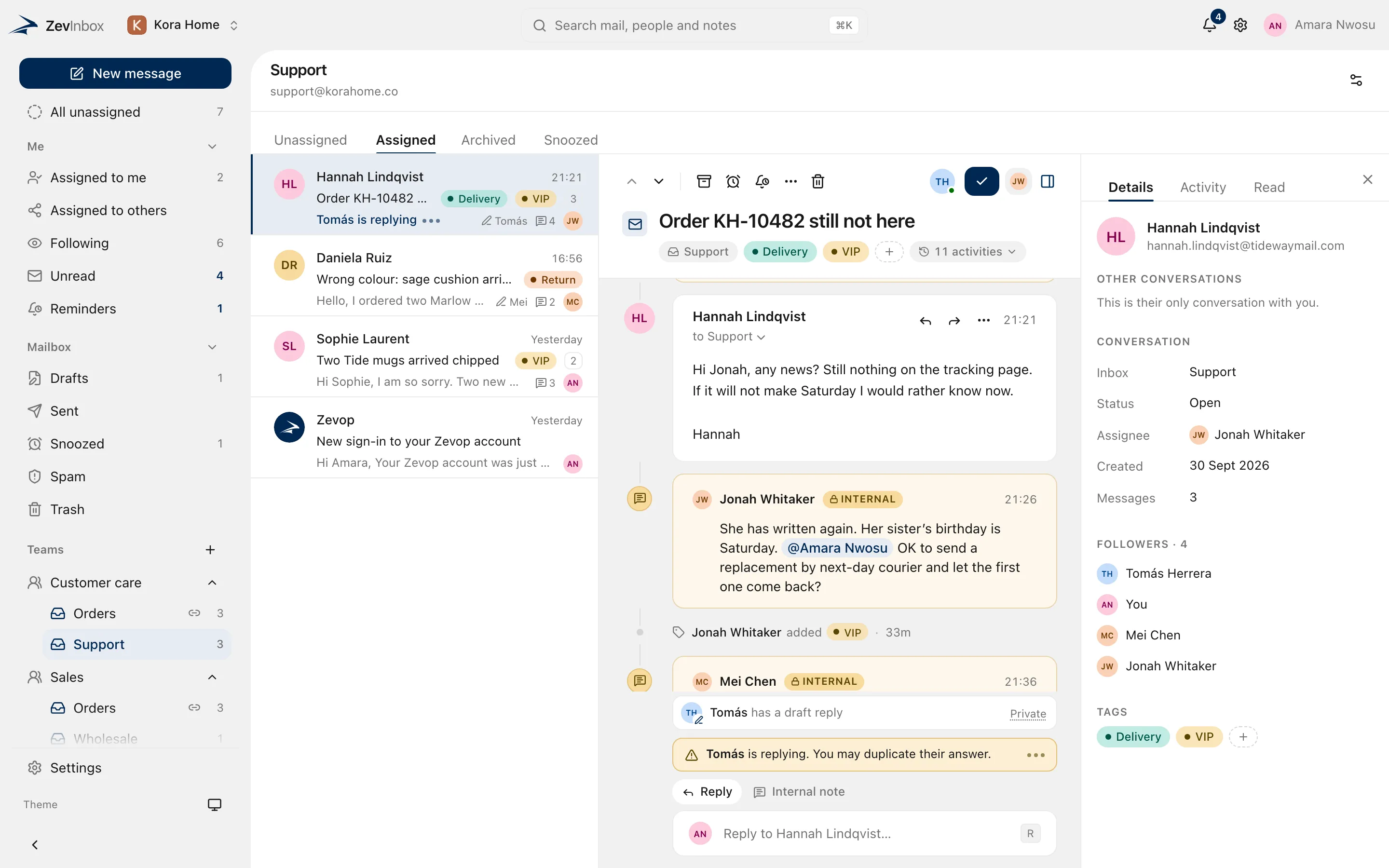
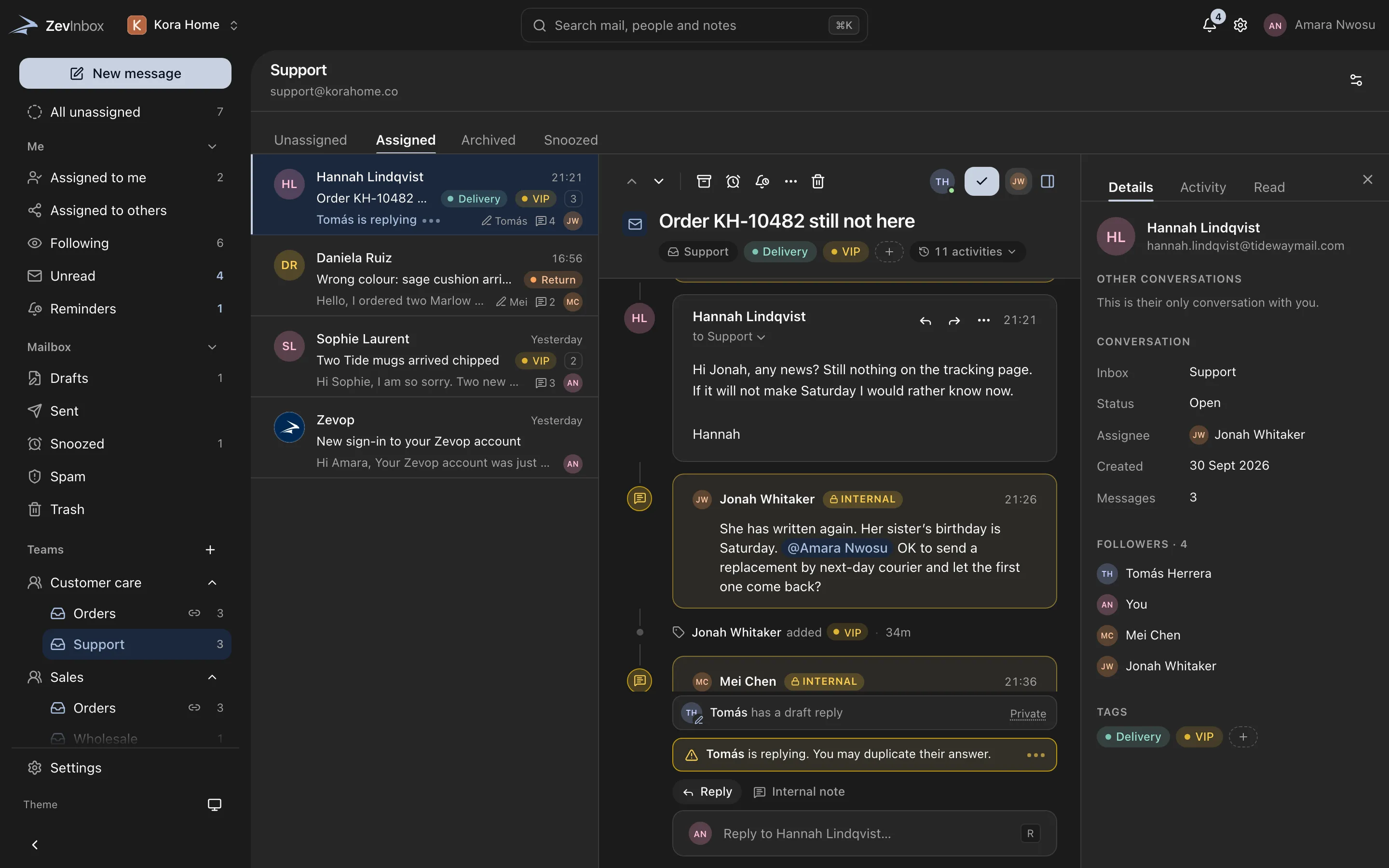
The ZevInbox web app on a phone
Organized the way your business is
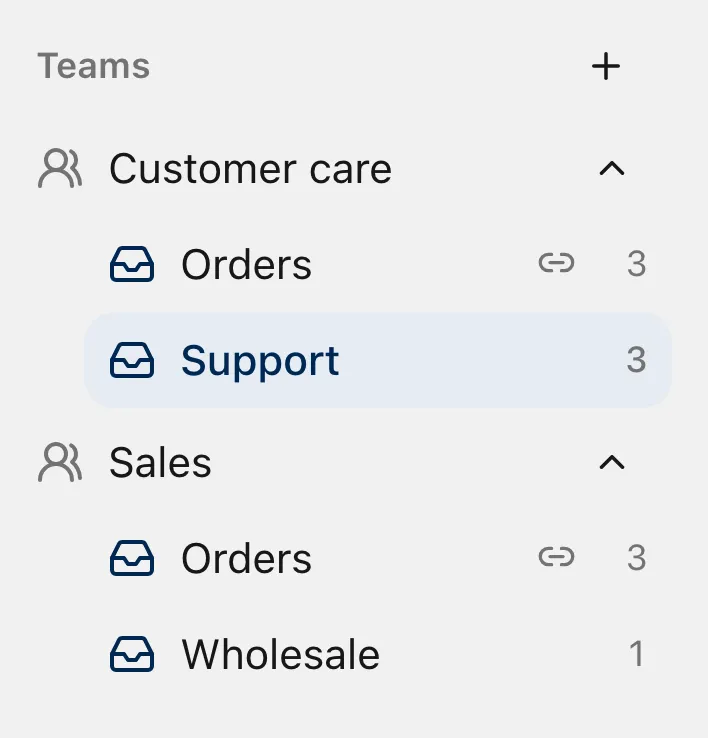
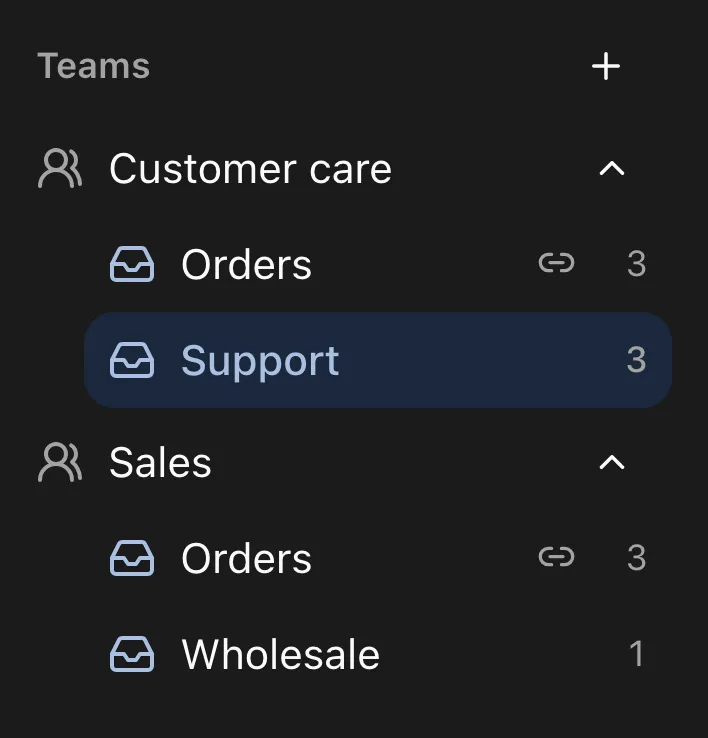
Your organization has teams, and teams have inboxes. An inbox can belong to more than one team, so Sales and Customer care can both answer wholesale@ without copying mail between them.
- Members see the inboxes their teams use
- Owners and admins see every inbox
- An inbox shared by two teams is still one inbox
Views for what needs doing
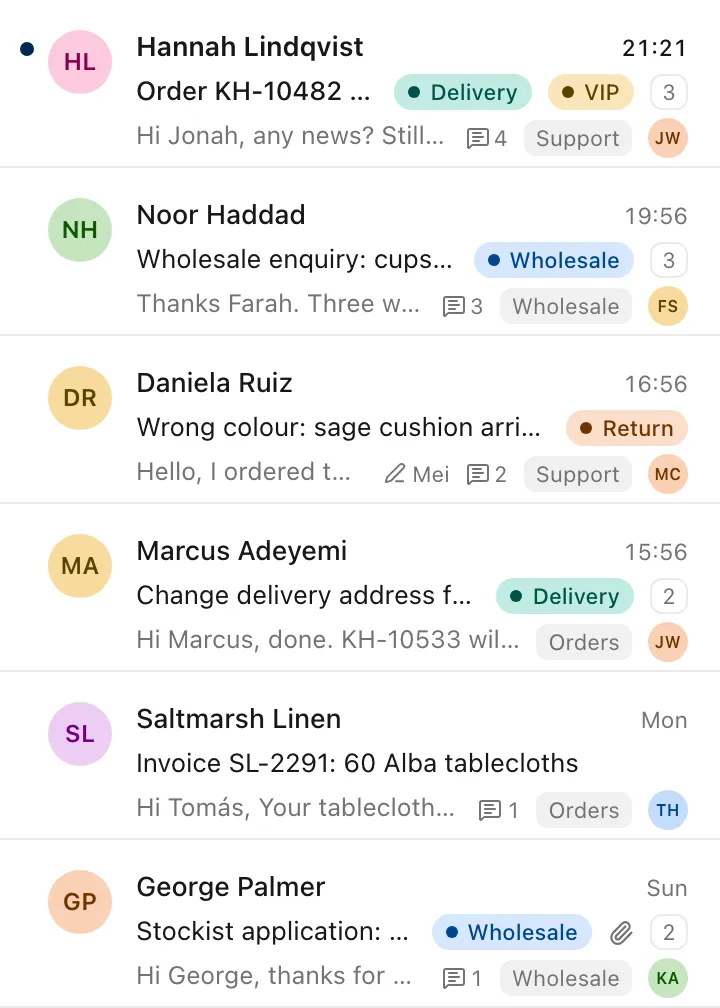
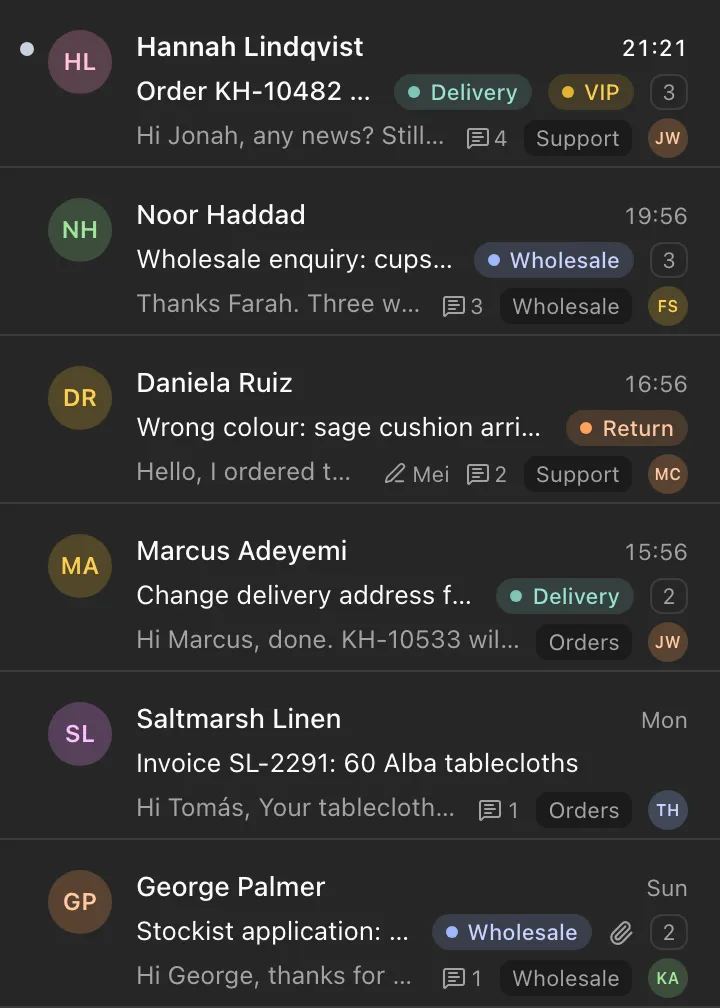
New mail waits in All unassigned until someone takes it. Assigned to me, Assigned to others, Following, Unread and Reminders cover the rest. Inside an inbox, tabs split Unassigned, Assigned, Archived and Snoozed.
- Tags, inbox and owner on every row
- Unread rows in bold
The ZevInbox web app on a phone
When a teammate starts a reply, the row says so, for everyone.
Tags are shared across the organization, in nine colours.
Built for the keyboard
Work through a queue without reaching for the mouse.
- Move down and up the list
- JK
- Open a conversation
- O
- Back to the list
- Esc
- New message
- C
- Reply
- R
- Reply all
- A
- Forward
- F
- Archive
- E
- Mark as unread
- U
- Move to trash
- #
- Send
- ⌘Enter
Start with the Free plan
Free for up to 10 people, 5 inboxes and one custom domain. Paid plans are coming.
Free to start. Paid plans are coming.