Search
Find any conversation in seconds
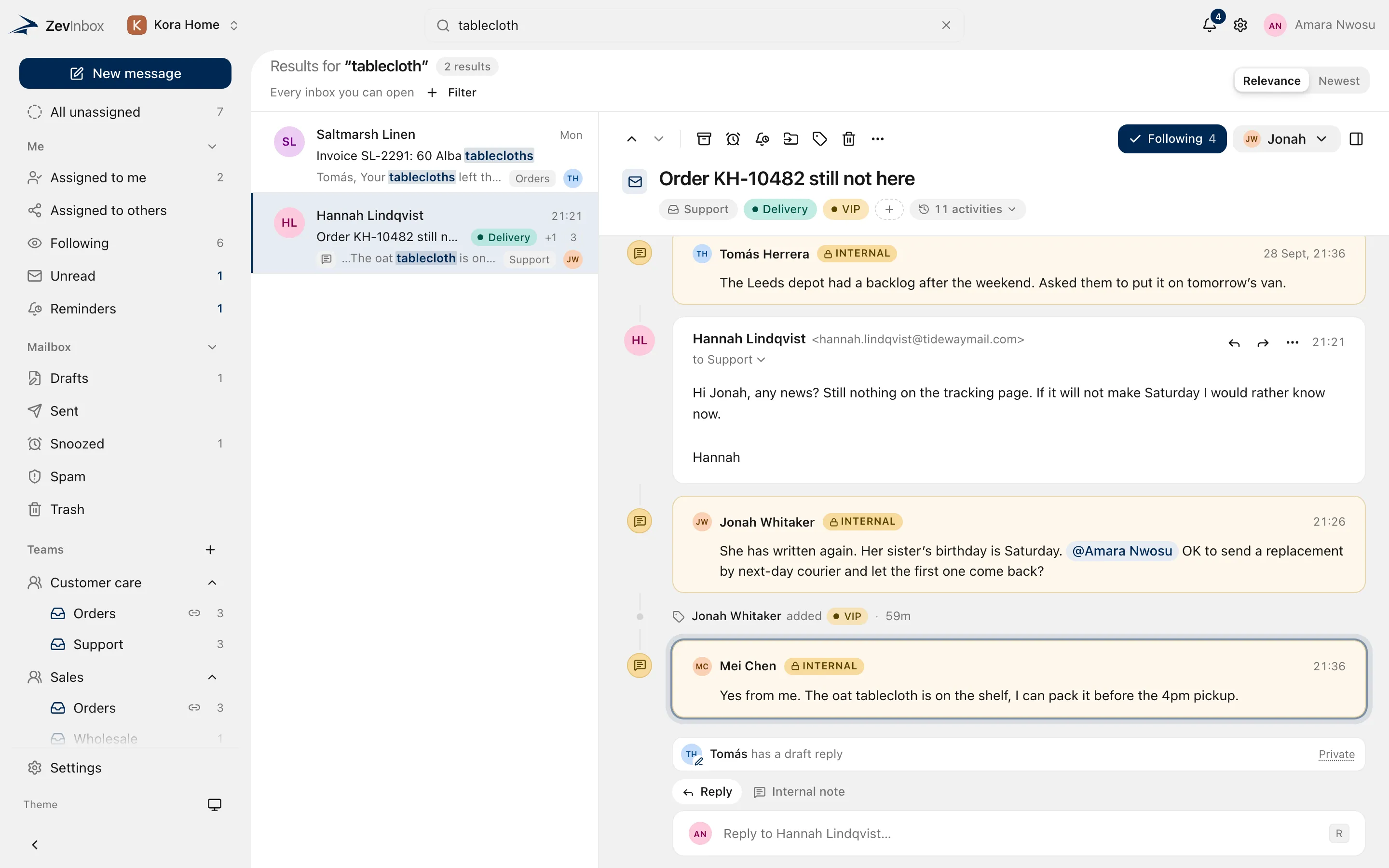
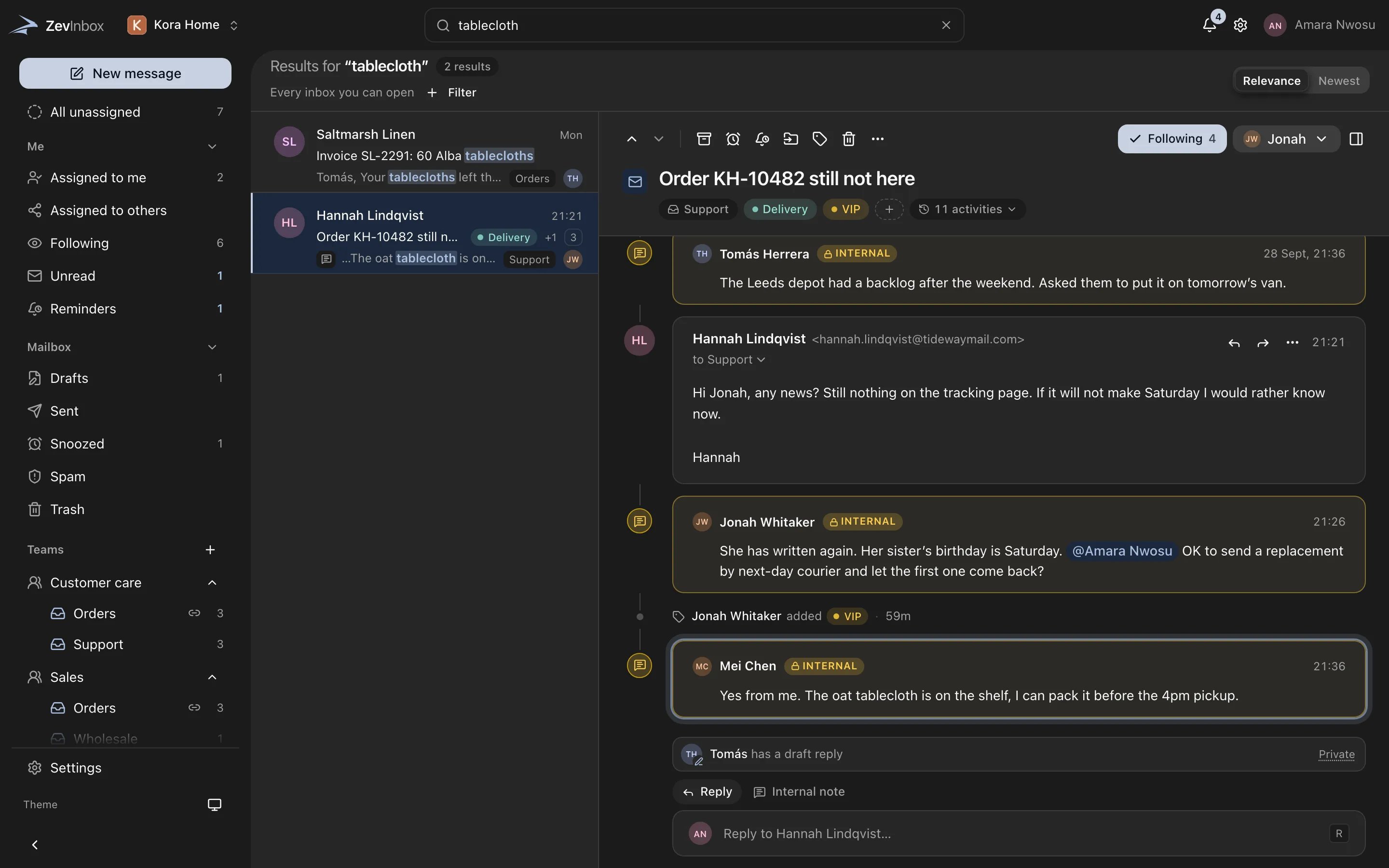
Press / and type. Results fill the conversation list as you type, across every inbox you can open, and open on the exact message that matched.
The ZevInbox web app on a phone
Results appear where you already work.
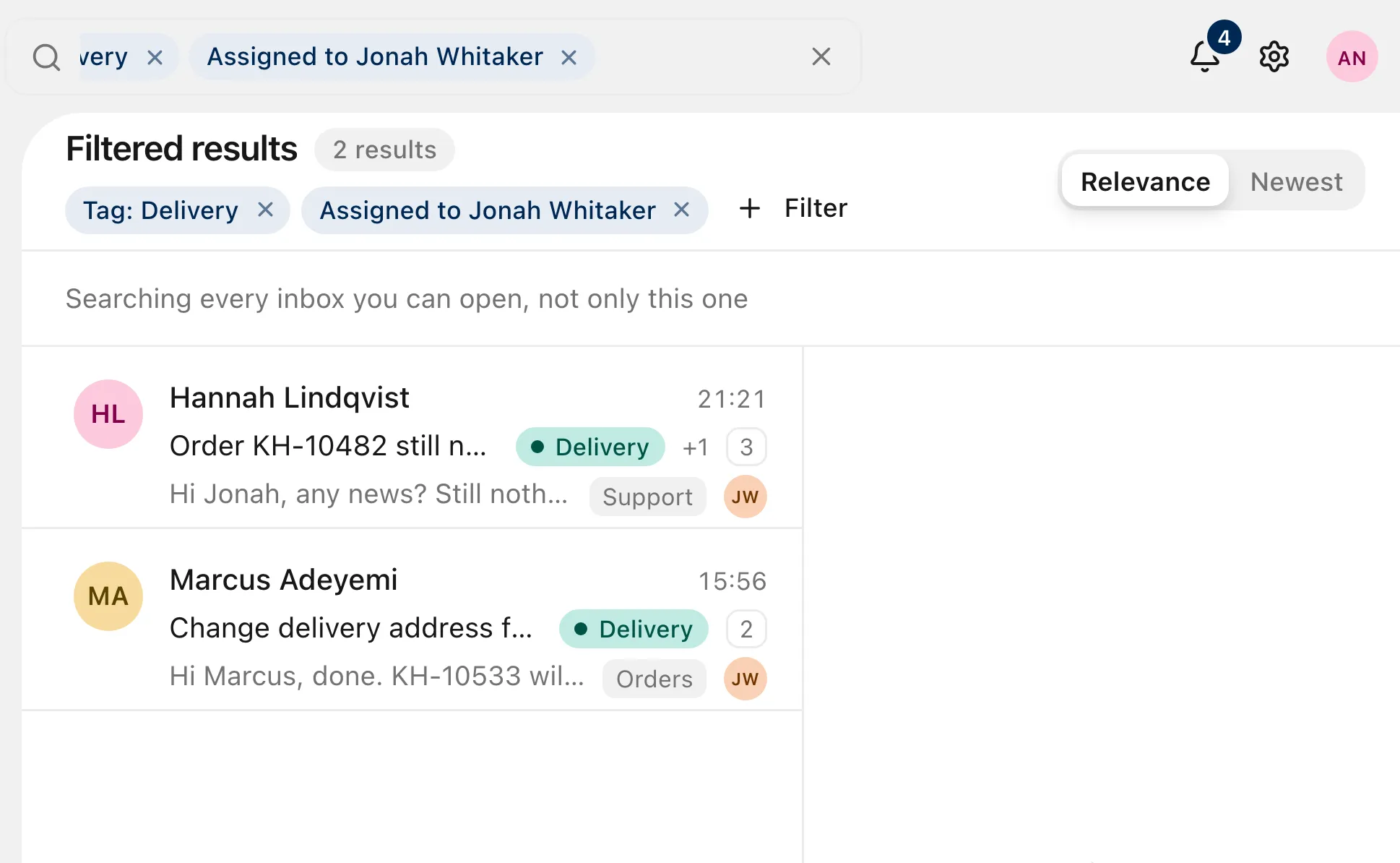
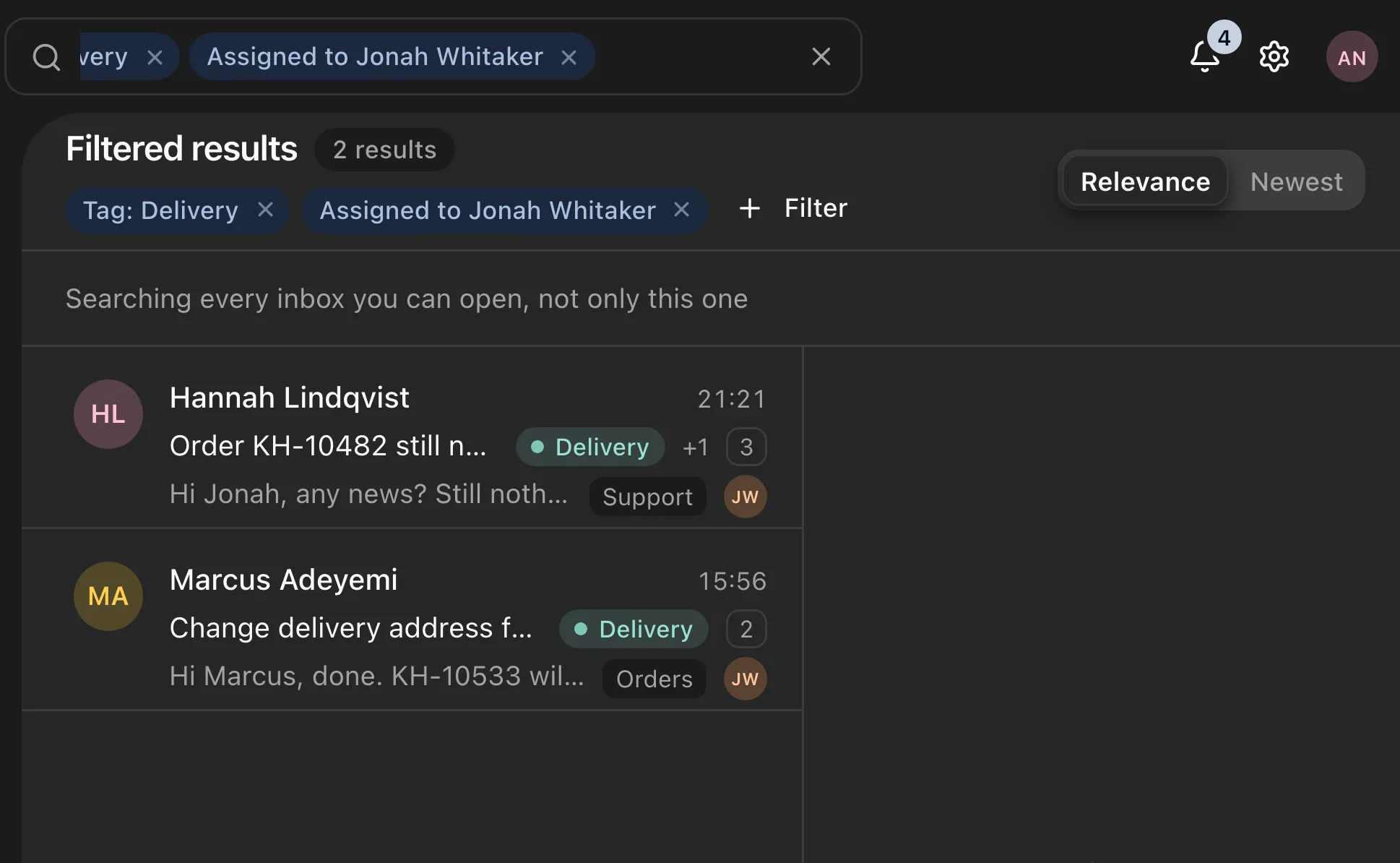
Open search from the top of the app with / or ⌘K. Results replace the conversation list as you type, sorted by relevance or newest first, and Esc takes you back to where you were.
Type what you know
Search subjects, message text, senders and recipients, internal notes and attachment file names.
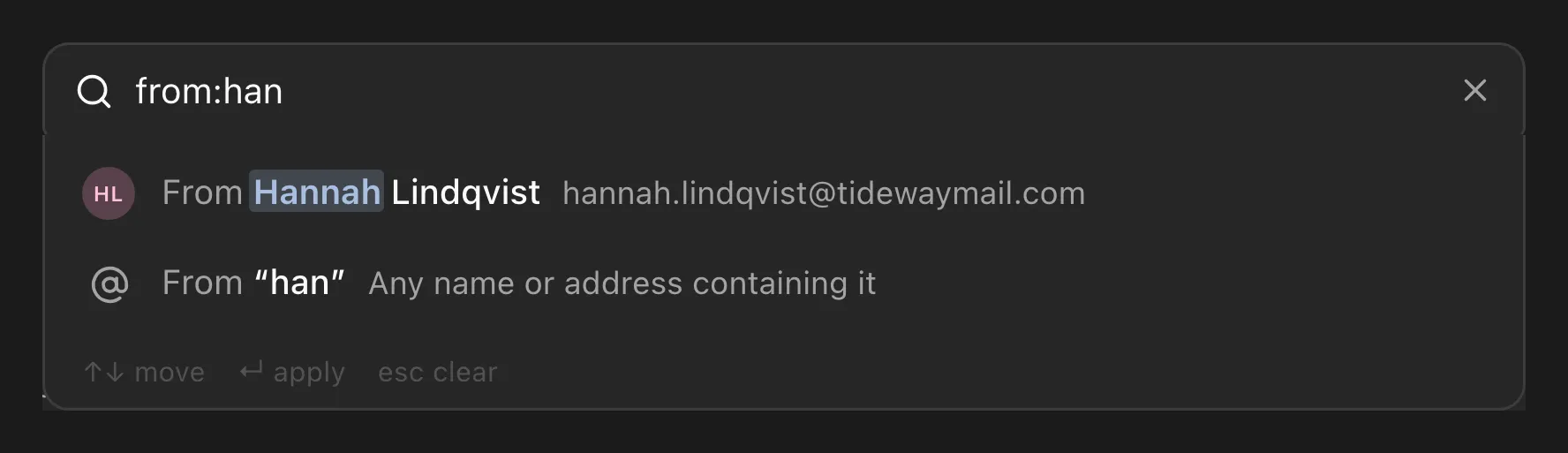
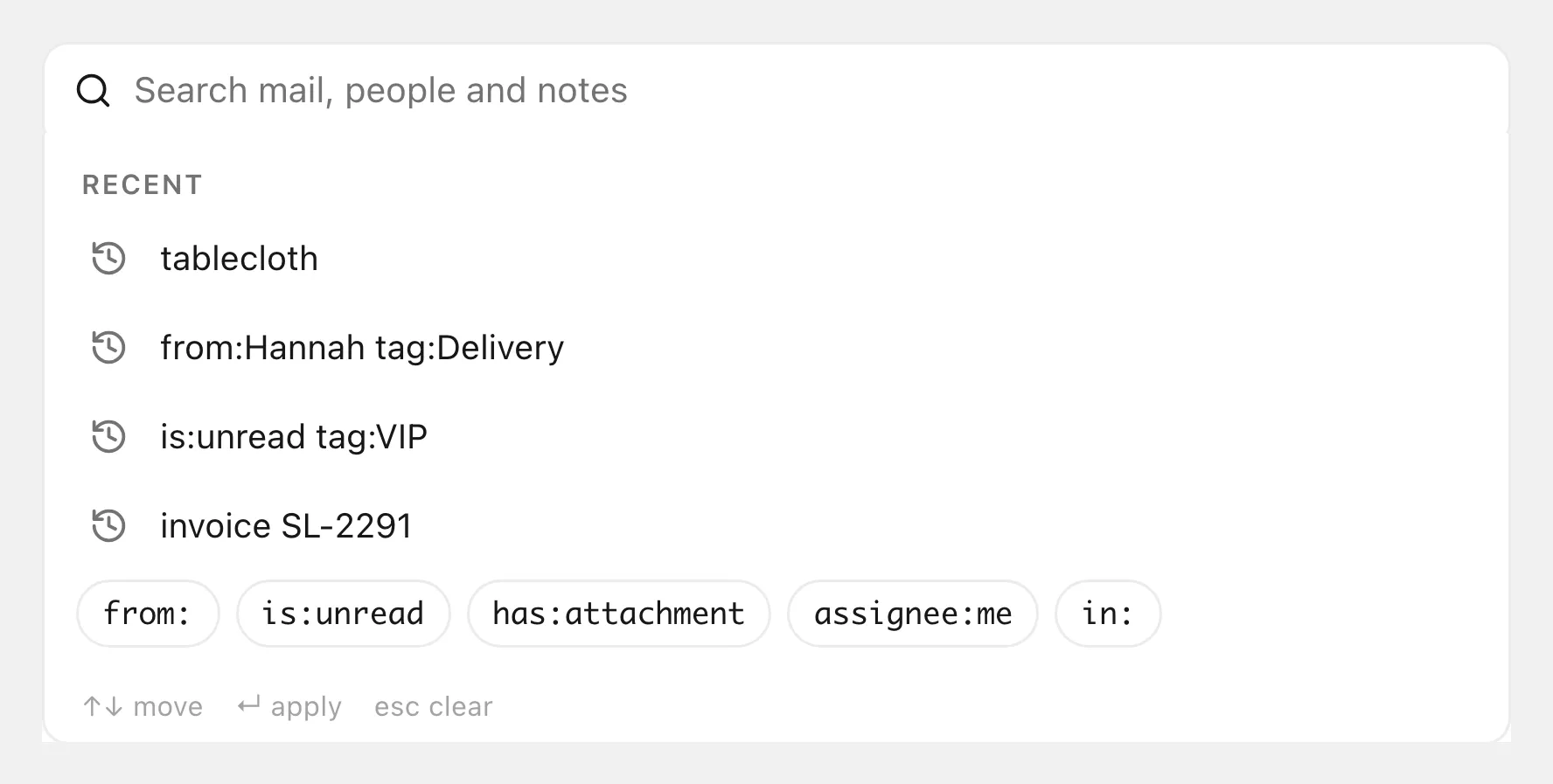
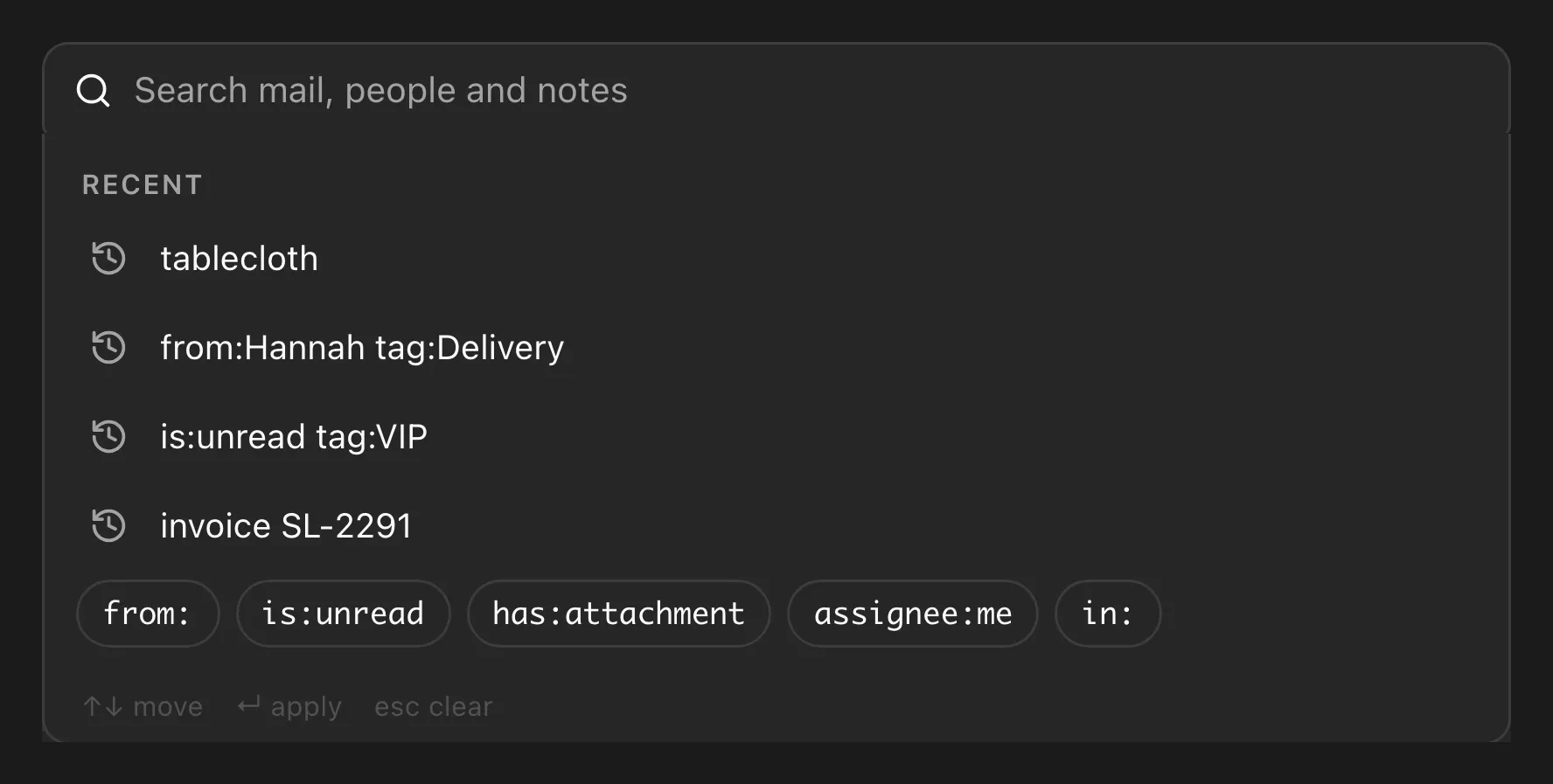
The box suggests filters, contacts and teammates as you type, so you rarely need to remember an operator.
Type from: or has:attachment and it turns into a chip you can edit or remove. + Filter builds the same filters without typing.
Your last six searches are kept on your device, ready to run again. Remove any you no longer need.
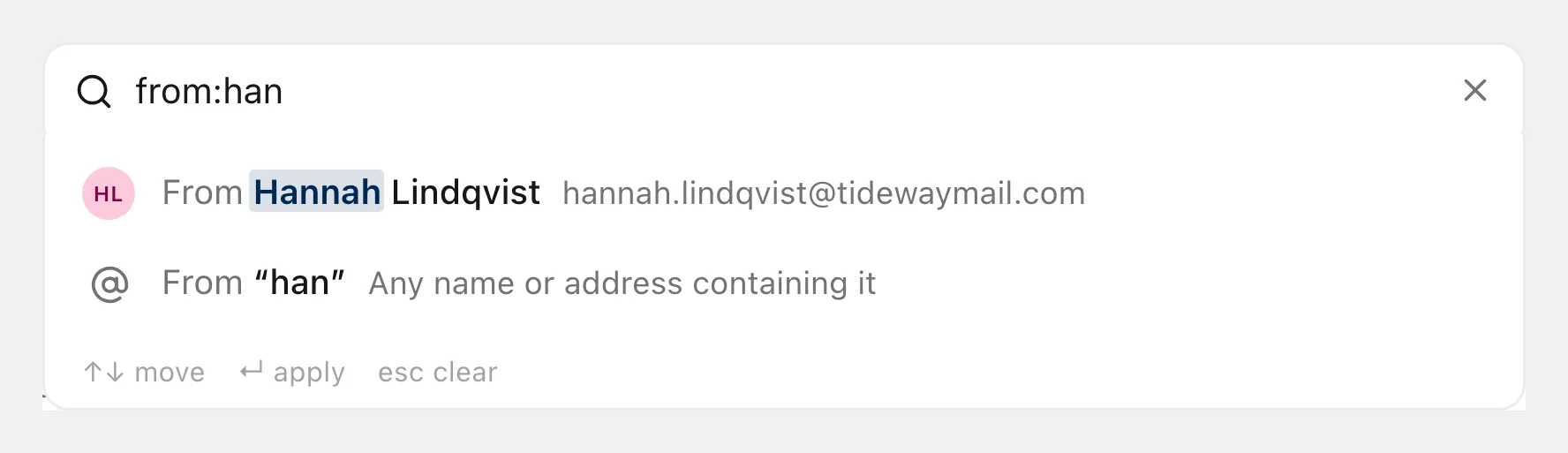
Suggestions as you type
The box suggests filters, contacts and teammates as you type, so you rarely need to remember an operator.
Operators become chips
Type from: or has:attachment and it turns into a chip you can edit or remove. + Filter builds the same filters without typing.
Recent searches
Your last six searches are kept on your device, ready to run again. Remove any you no longer need.
Operators
Combine as many as you need.
- From or to
-
from:hannah to:orders@Who sent it, or who it was sent to.
- Subject
-
subject:refundWords in the subject only.
- Inbox
-
in:wholesale in:spamOne inbox, or Spam and Trash when you want them.
- State
-
is:unread assignee:meUnread conversations, or the ones assigned to you.
- Tag
-
tag:vipConversations with a tag.
- Attachments
-
has:attachmentConversations with a file attached.
- Dates
-
after:7d before:2026-09-01A date, today, yesterday, or a span like 7d or 2w.
- Phrases
-
"sage cushion" -invoiceAn exact phrase in quotes, or a word to leave out.
Land on the exact message.
Opening a result jumps to the message or internal note that matched and highlights it, even in a long conversation.
Private by default
- Your inboxes only
-
People only find mail in inboxes they can open. A member never sees results from another team’s inbox.
- Spam and Trash
-
Left out of results unless you ask for them.
- Quarantine
-
While a message is quarantined, its text and attachment names are left out of search entirely.
Start with the Free plan
Free for up to 10 people, 5 inboxes and one custom domain. Paid plans are coming.
Free to start. Paid plans are coming.