Ownership
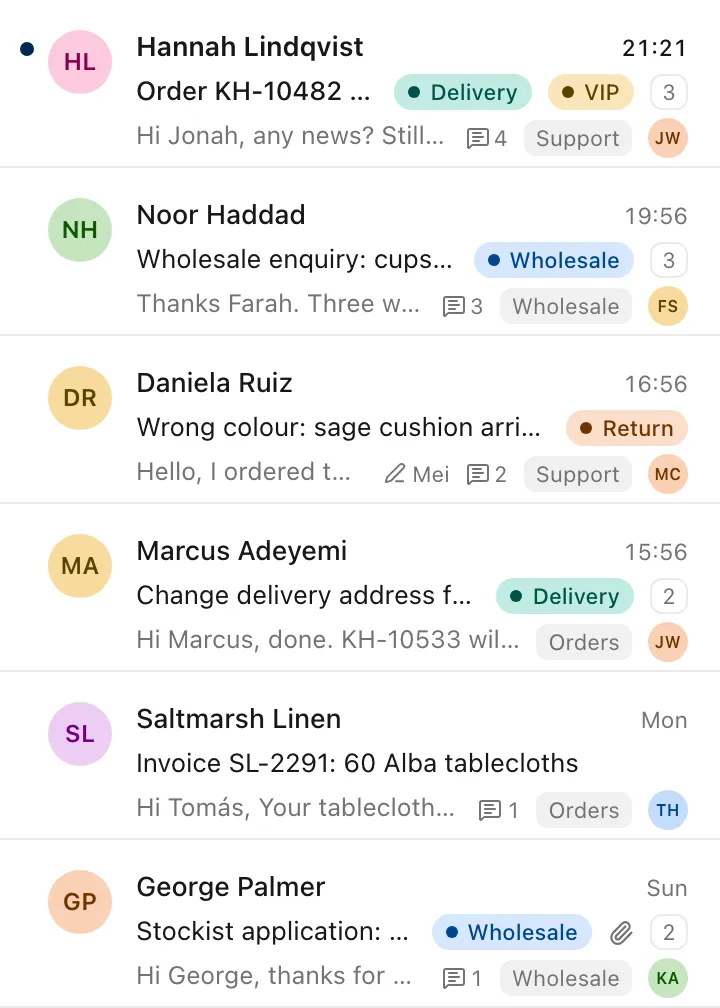
Every conversation has an owner
New mail waits in All unassigned until someone takes it. Assign it, snooze it until it matters, or set a reminder only you can see.
The ZevInbox web app on a phone
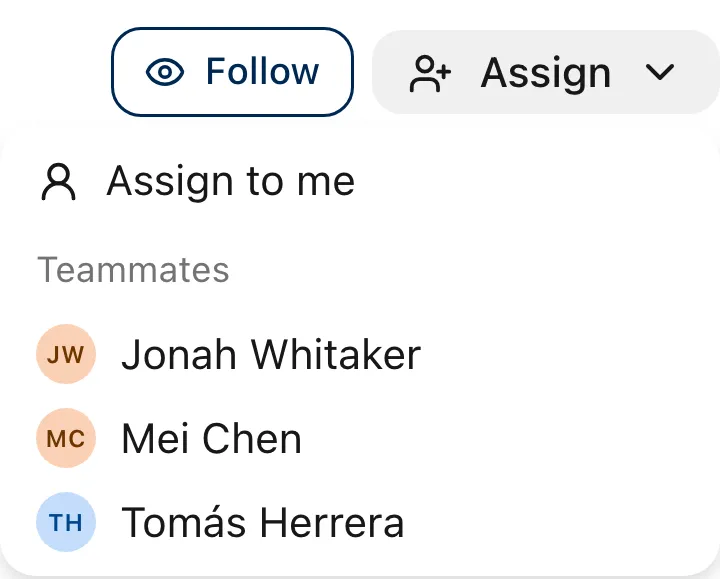
Assign in two clicks
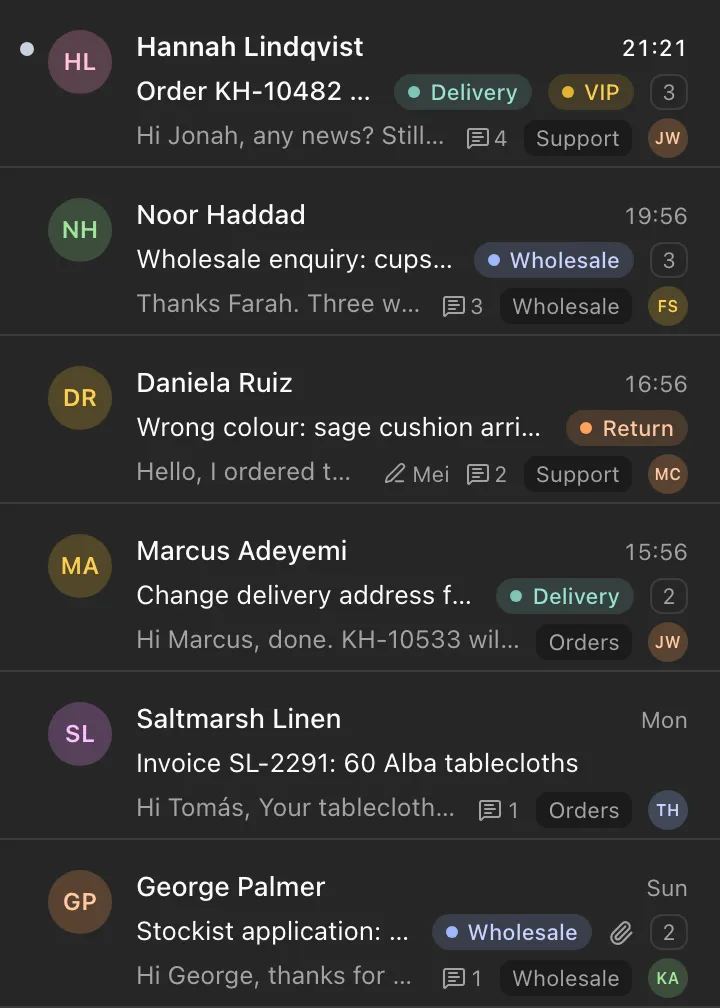
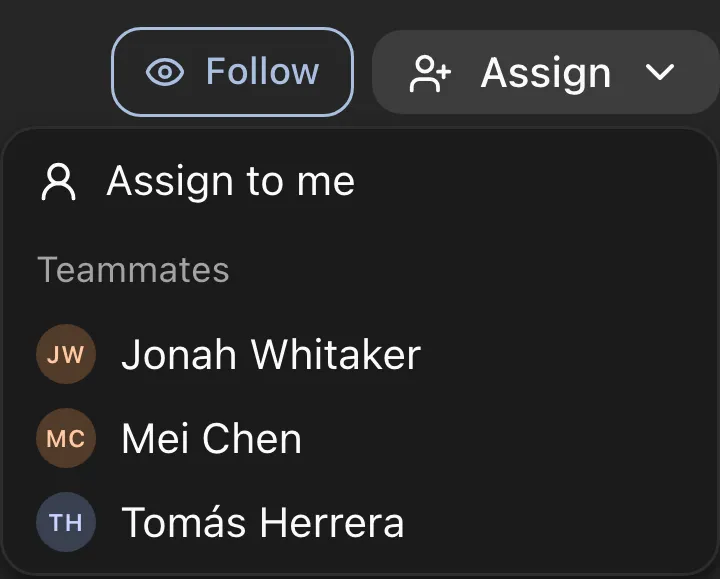
Assign to me, pick a teammate, or unassign. The owner’s avatar shows on the conversation in every list, so the team knows it is handled.
Snooze hides it for the whole team
Snooze until later today, tomorrow, next week, or a time you pick. The conversation leaves every view and comes back at that time. Because it affects everyone, only the assignee or an owner or admin can snooze.
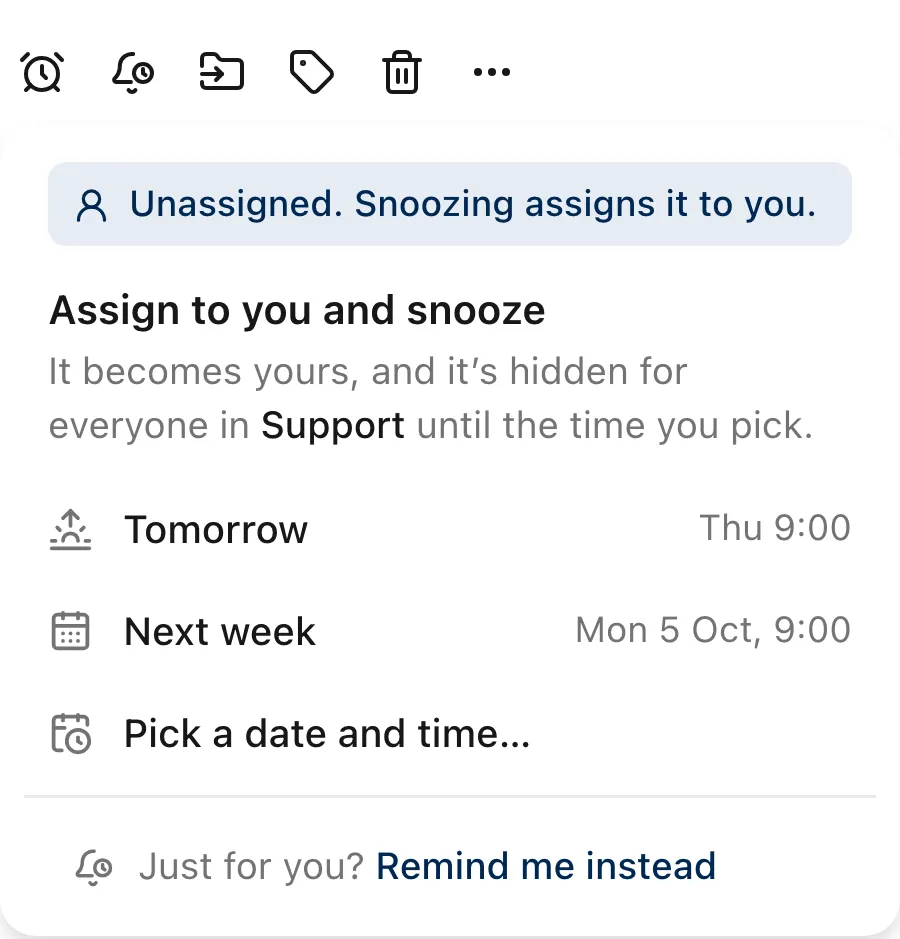
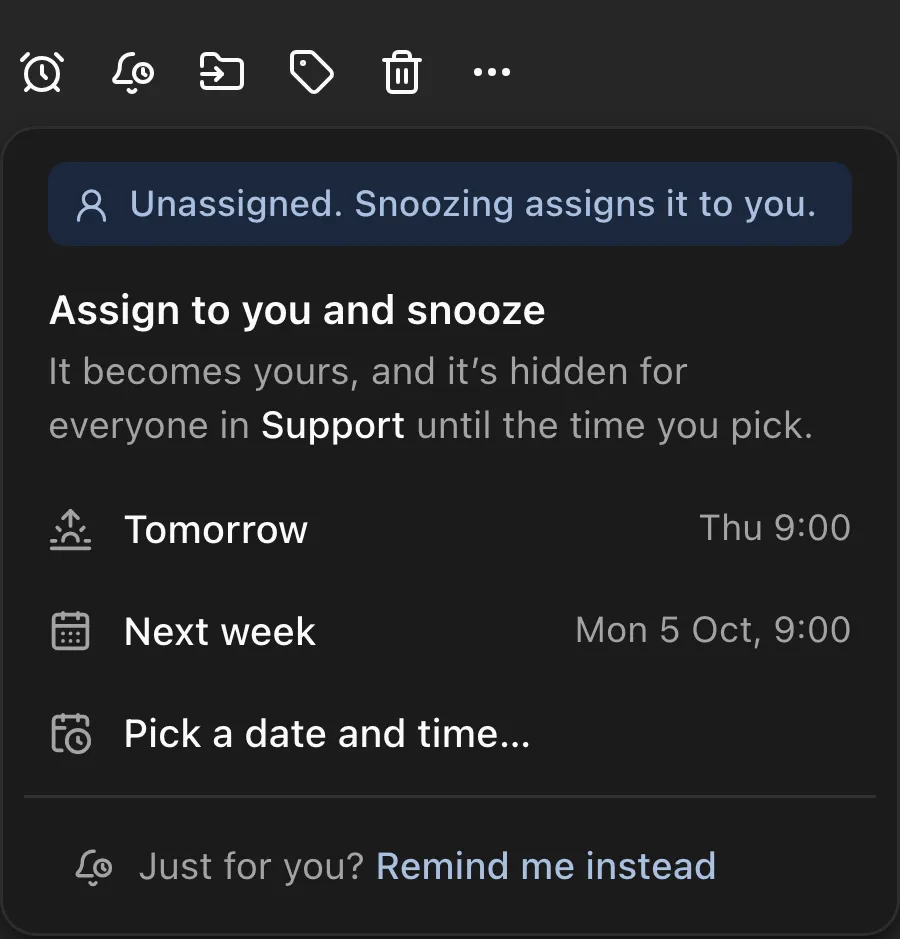
Snooze or Remind me
Two ways to come back to a conversation later, for two different jobs.
| Capability | Snooze | Remind me |
|---|---|---|
| Who can use it | The assignee, owners and admins | Everyone |
| Who it affects | The whole team | Only you |
| Until then | Hidden from every view | Stays where it is |
| At the time | Returns to the inbox | You get a notification, with your note |
Notifications about what involves you
Mentions, assignments, replies on conversations you follow, snoozes that end, your reminders and drafts shared with you. They arrive in the app as they happen, with All and Unread tabs and Mark all read.
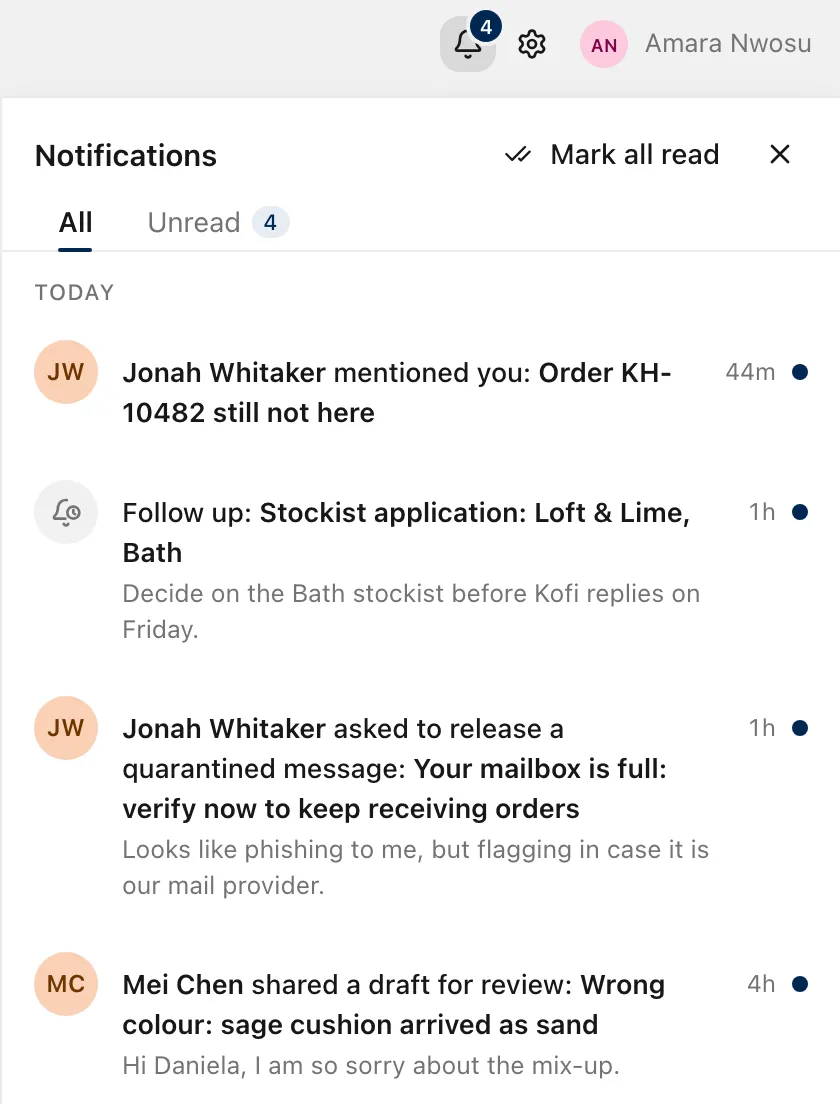
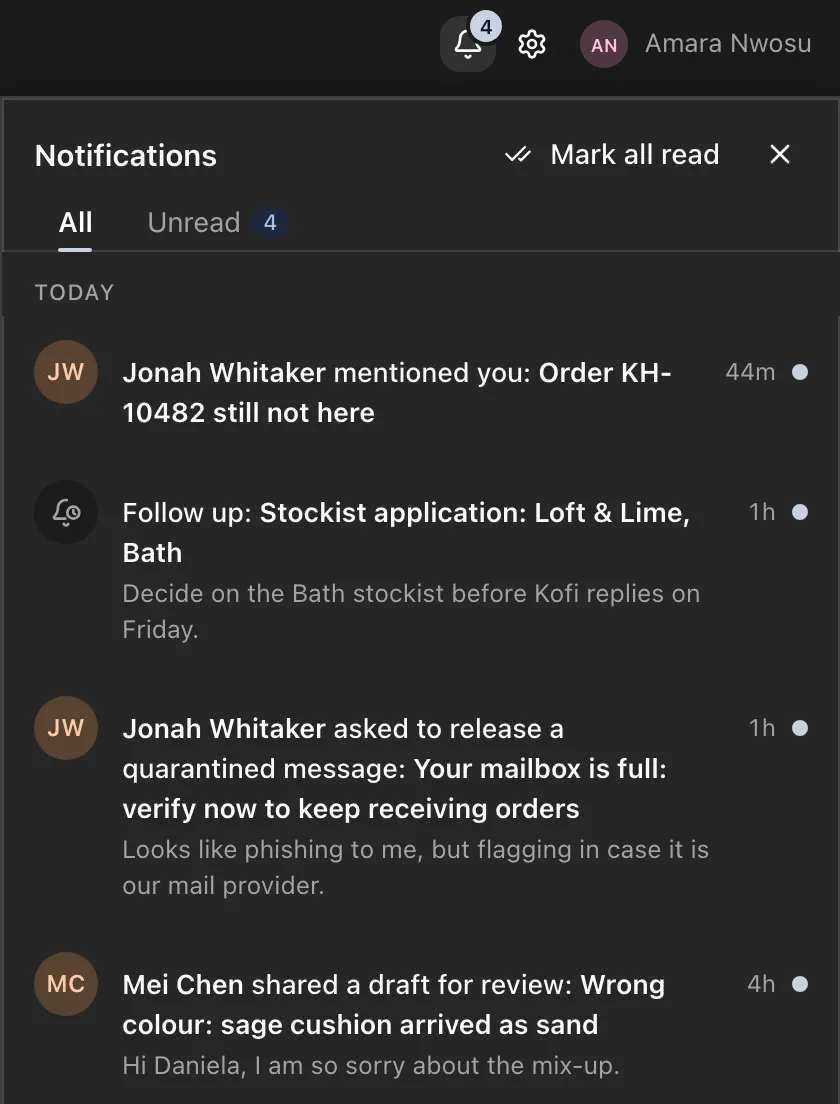
The ZevInbox web app on a phone
Start with the Free plan
Free for up to 10 people, 5 inboxes and one custom domain. Paid plans are coming.
Free to start. Paid plans are coming.