
Security
Where your mail lives, and who can see it
Plain facts about how ZevInbox stores, scans and protects your team’s mail. If it is not on this page, we are not claiming it.
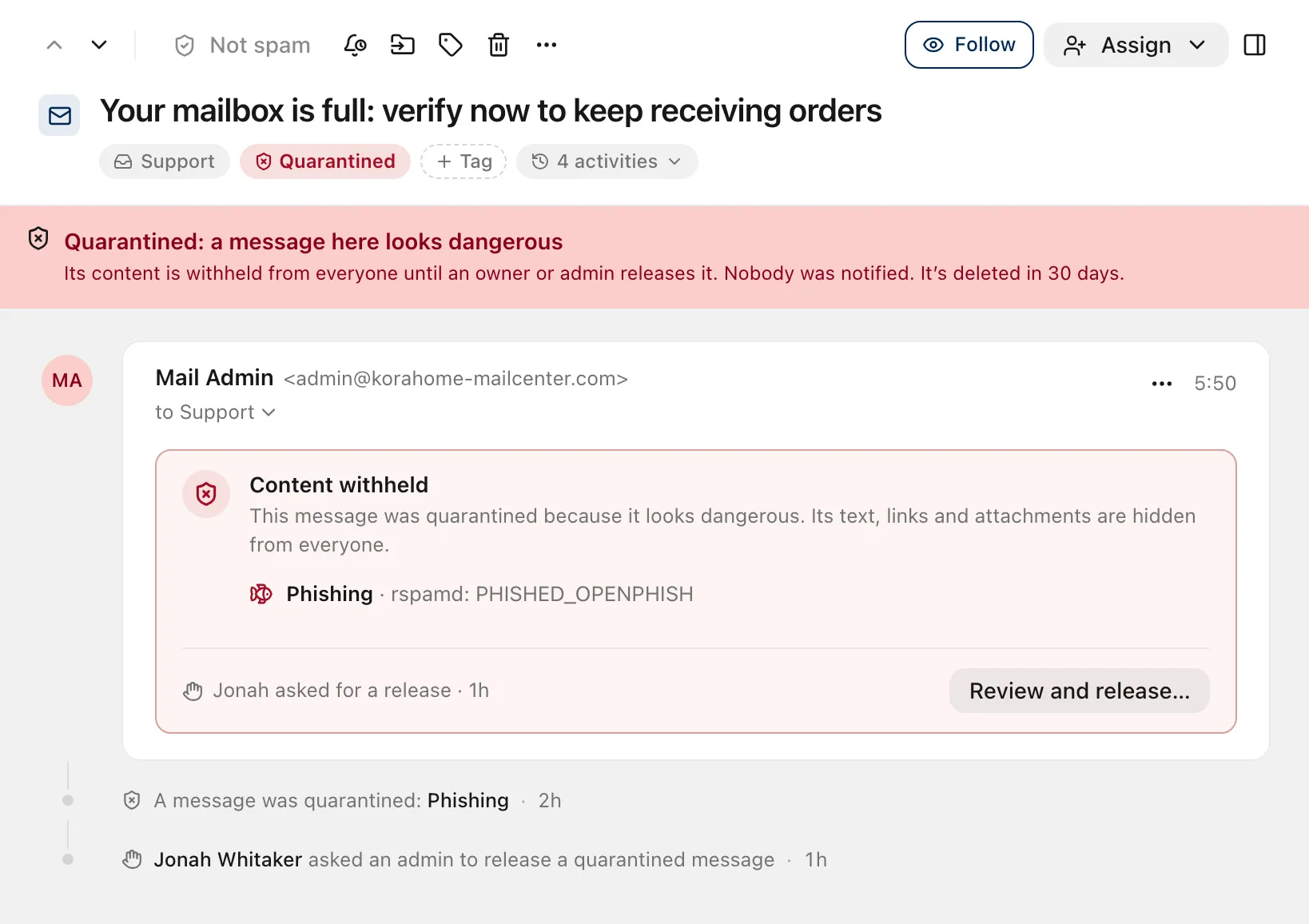
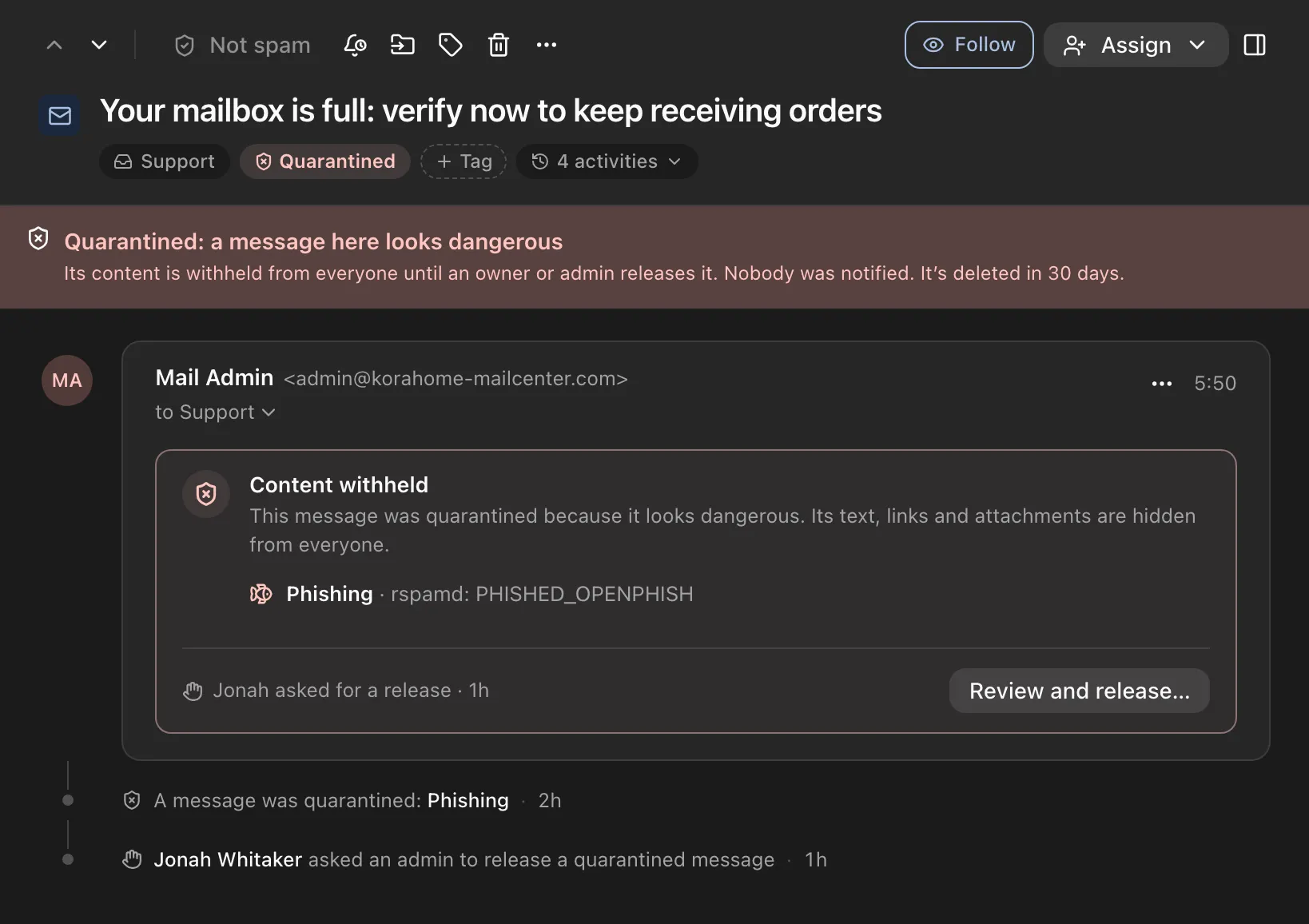
The ZevInbox web app on a phone
Where mail is stored
- In the EU
- Messages and attachments are stored in Cloudflare R2 under its EU jurisdiction.
- Sent from the EU
- Outgoing mail is sent through Amazon SES in Ireland.
- How long
- The raw copy of each incoming message is kept for 30 days. The conversation keeps the message for as long as the conversation exists. Spam is deleted after 30 days.
How incoming mail is checked
- Our own mail servers
- Mail for your domain arrives at Zevop’s own MX servers, not a third party’s.
- Scanned before delivery
- Every message is checked for spam and phishing, scanned for viruses with ClamAV, and checked for dangerous attachments.
- Sender checks
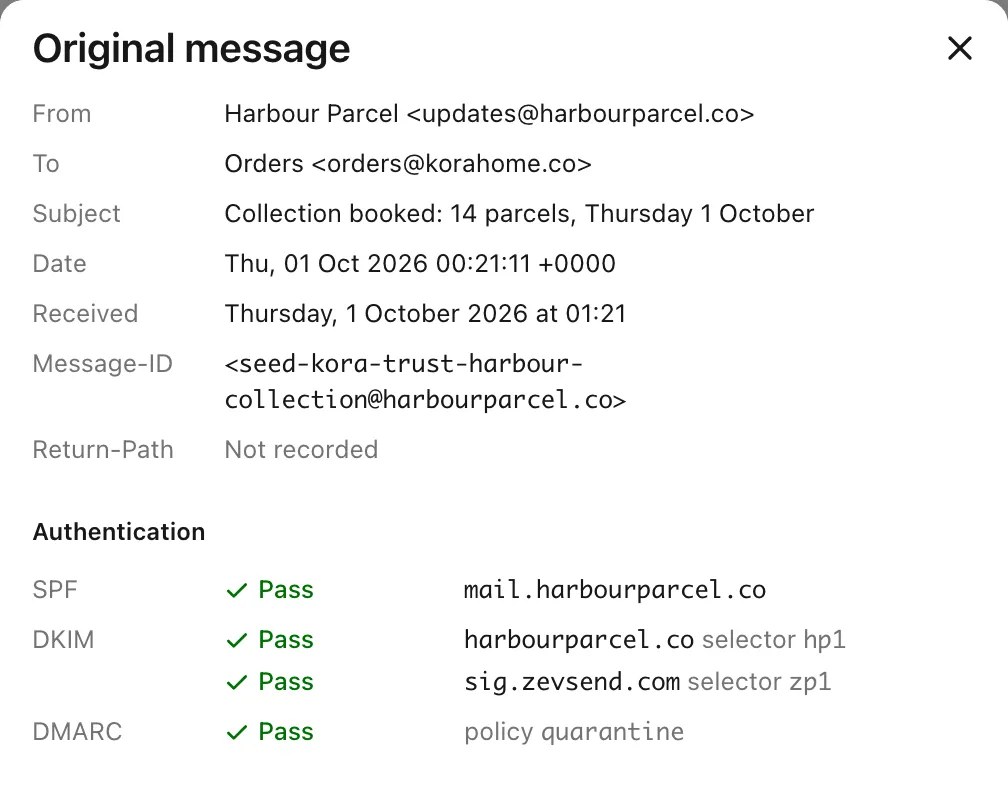
- SPF, DKIM, DMARC and ARC results are recorded on every message and used for the verified sender marks.
- Quarantine
- Dangerous mail is withheld from everyone. Only an owner or admin can release it, and a file with a virus is never released.
When you read mail
- Sanitised HTML
- Every HTML email is sanitised before it is shown, so scripts in an email never run.
- Remote images
- Hidden until you choose Show images, so a tracking pixel does not fire when you open a message. When you show them, ZevInbox’s servers fetch and re-encode each image. The sender does not get your IP address, and learns only that someone at your organization loaded it.
- Lookalike links
- A link whose text shows one web address and goes to another site asks before it opens, and names the site it really goes to.
- Private avatars
- Sender logos and avatars are fetched by ZevInbox’s servers and re-encoded, never loaded by your browser from the sender.
Who can get in
- Sign in with your Zevop account
- There is no separate ZevInbox password. You sign in through ZevID, Zevop’s account service, which supports two-step verification with an authenticator app or SMS.
- Roles
- Members see only the inboxes their teams use. Owners and admins manage people, teams, inboxes and domains.
- A record of what happened
- Every conversation has an activity log of assignments, snoozes, tags and moves.
- The original message
- View original shows a received message’s sender checks and full headers to anyone who can read it. For a quarantined message, only owners and admins can.
Your domain and your organization
- Signing keys
- Your domain’s DKIM private key is encrypted with AES-256-GCM before it is stored.
- Ongoing checks
- Verified domains are checked again every six hours, and you are told if a record breaks.
- Sending pause
- If an organization’s complaint or bounce rate gets too high, its sending is paused automatically, so one sender cannot damage delivery for the rest.
- Deleting
- Only an owner can delete an organization. It can be restored for 30 days, then it is permanently removed.
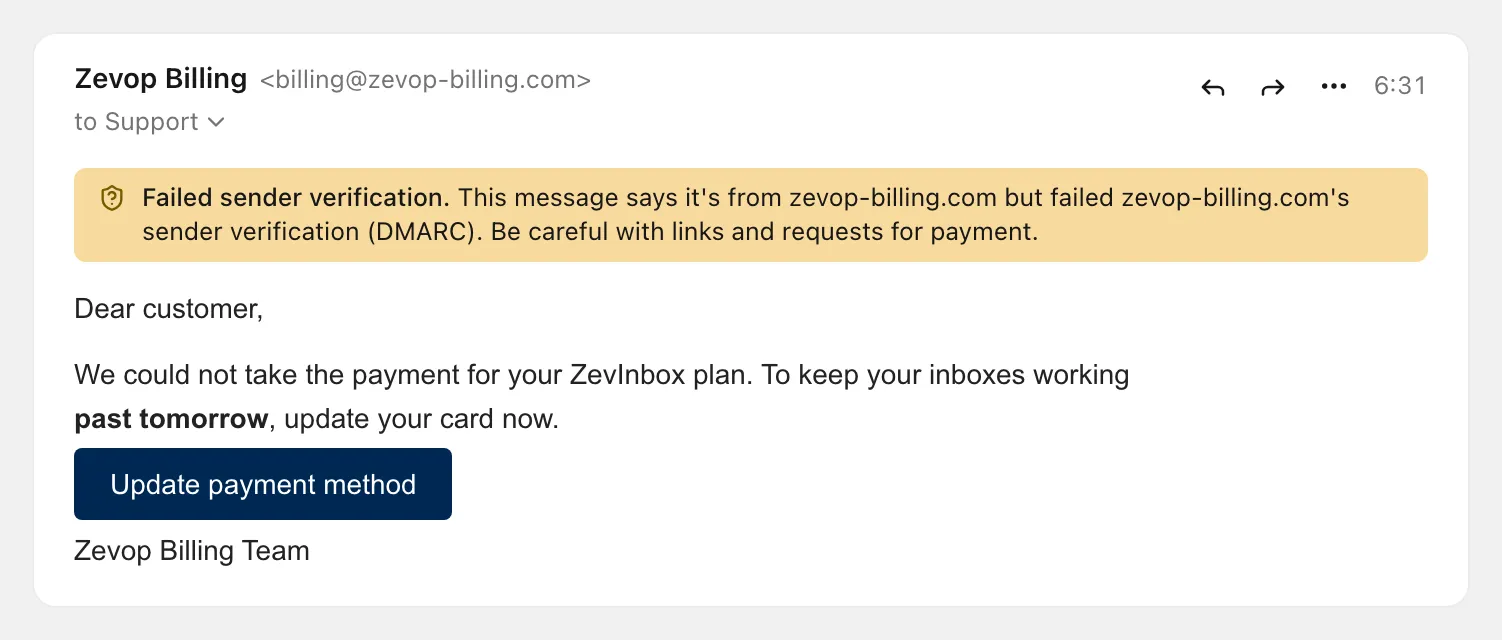
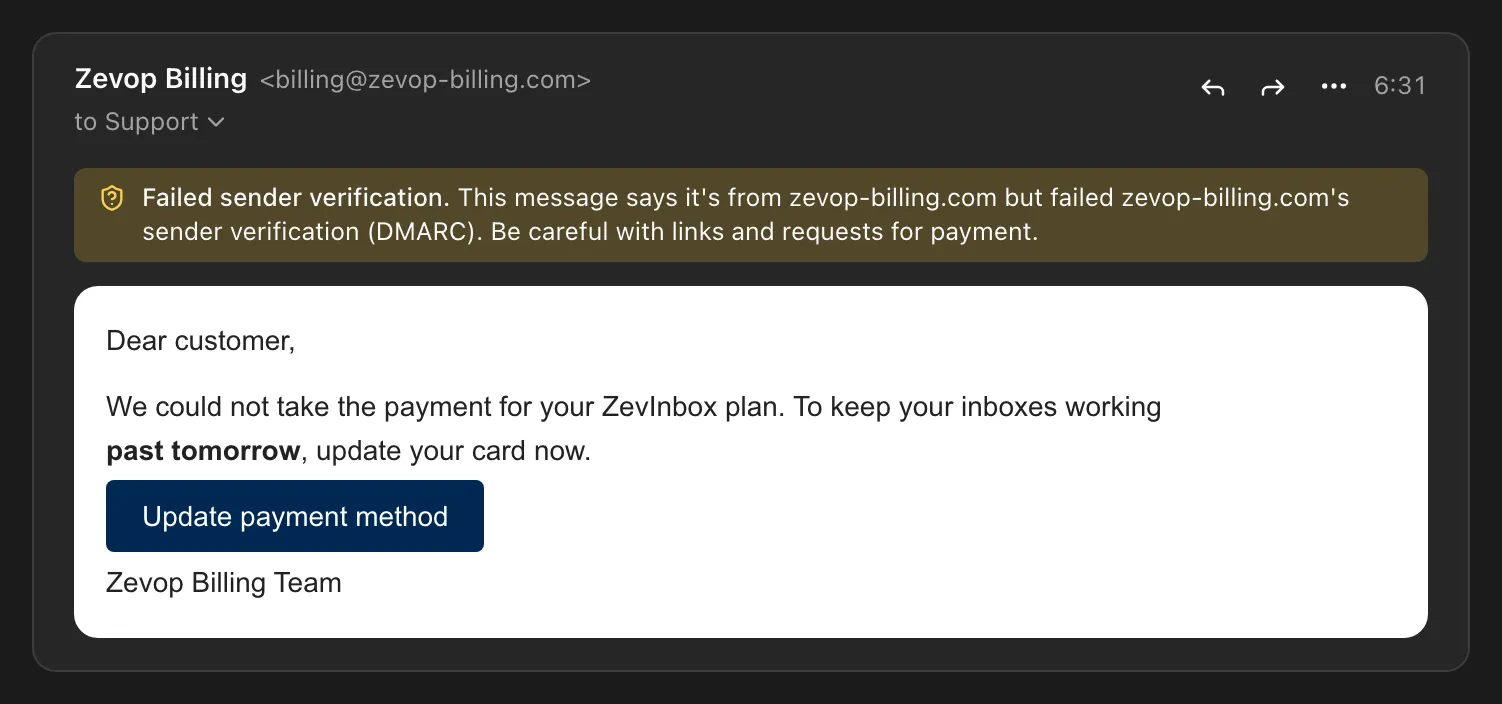
A warning when a sender cannot be verified
A message that fails sender verification says so above the message, before anyone clicks a link in it.
The checks behind every message, in full
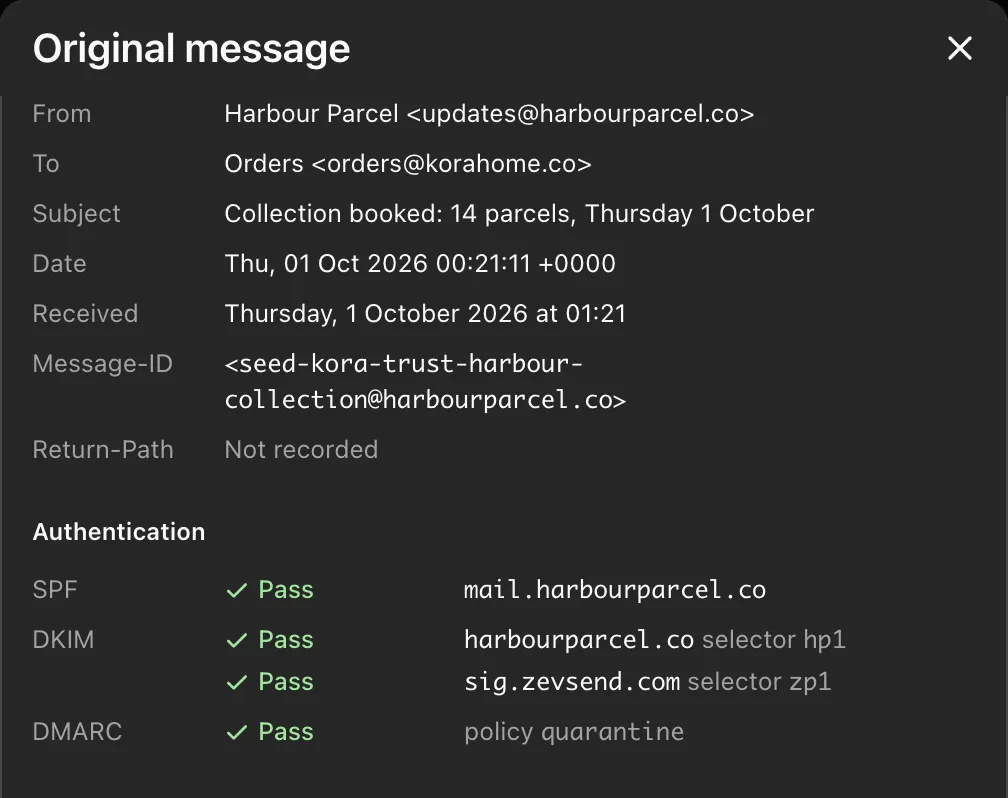
View original shows what ZevInbox recorded when a message arrived: the SPF, DKIM and DMARC results, each signature and the full headers. You can download the raw message for 30 days.

Try ZevInbox for 14 days
No payment details to start. After the trial, a plan is one flat price for your organization.
Plans start at NGN 2,500 a month for the whole organization, before VAT, with a 14-day trial.