Collaboration
Talk about an email without forwarding it
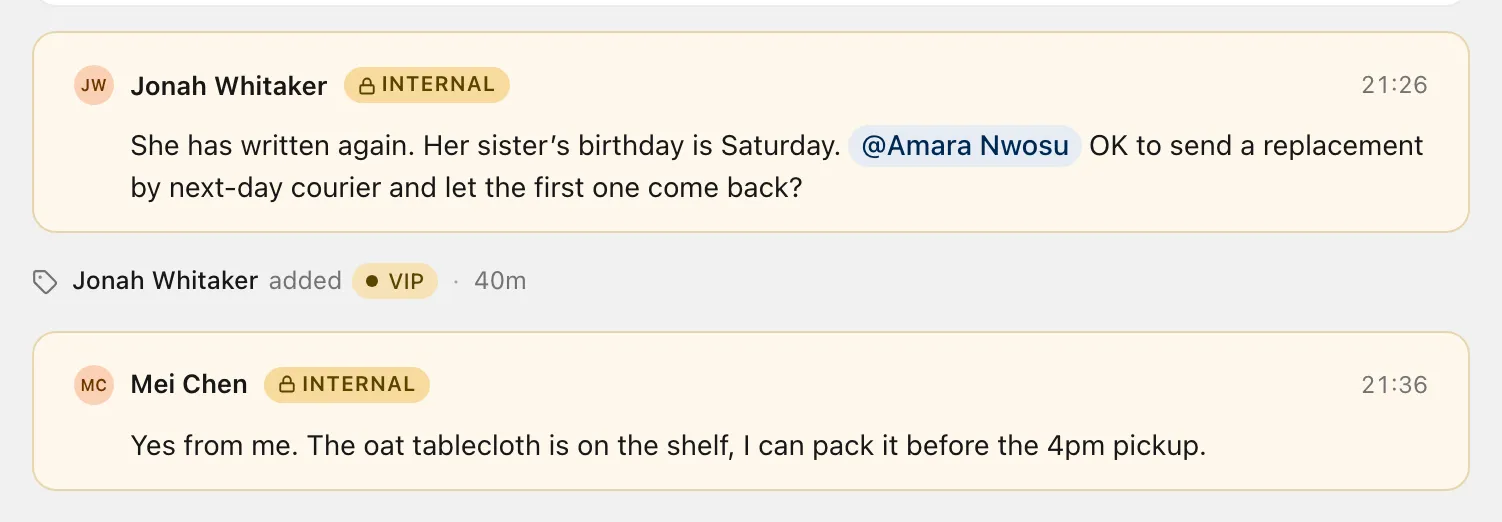
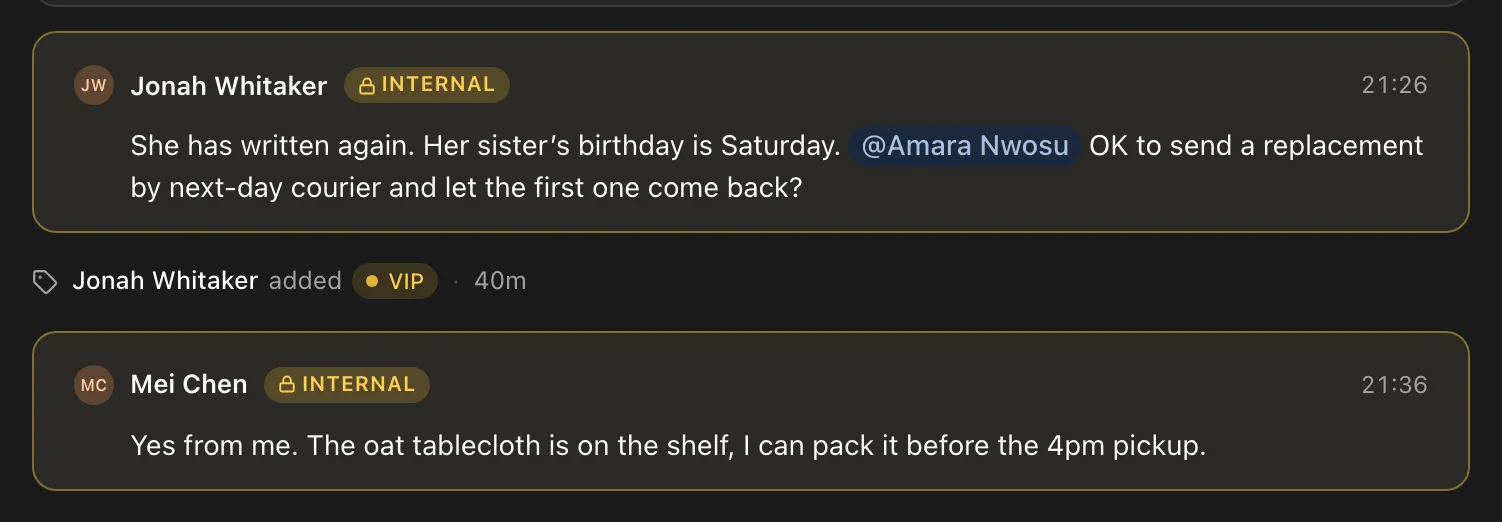
Leave an internal note on any conversation and mention a teammate. See who else is reading. Customers never see any of it.
Switch the reply box to Internal note and write to your team. Mention someone with @ and they get a notification. Notes sit in the thread next to the email they are about.
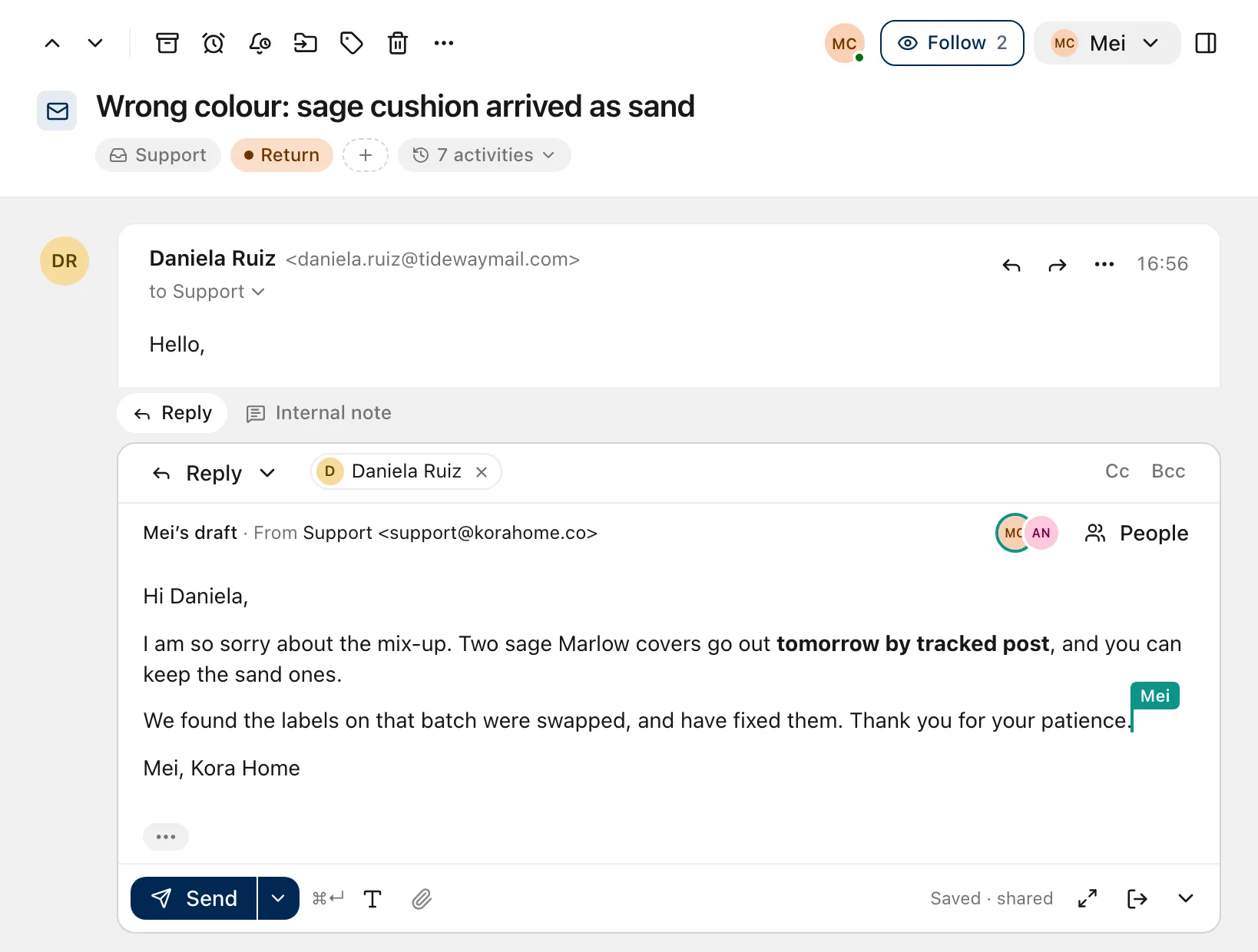
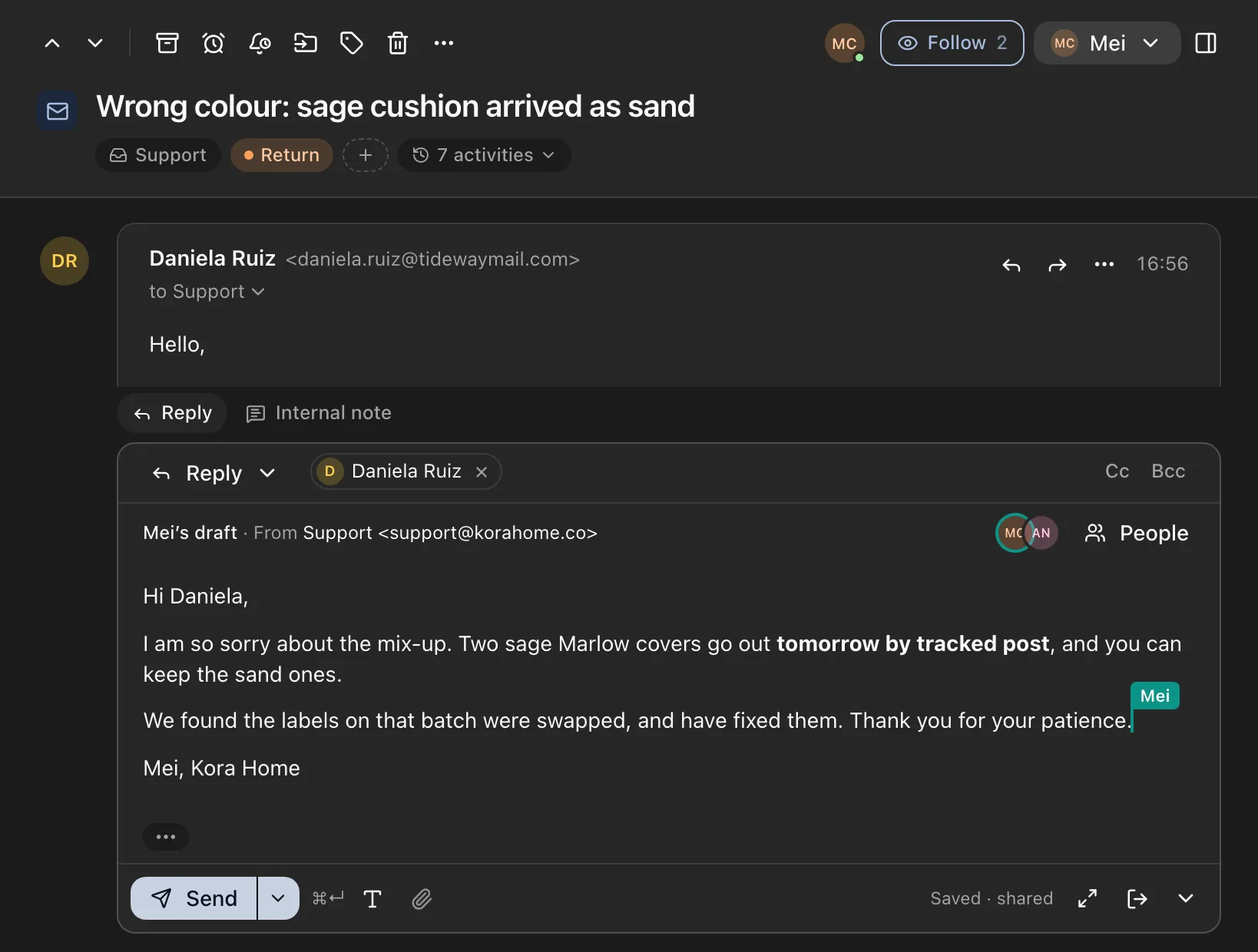
Share a reply with a teammate and write it together, with each other’s cursors and names on screen.
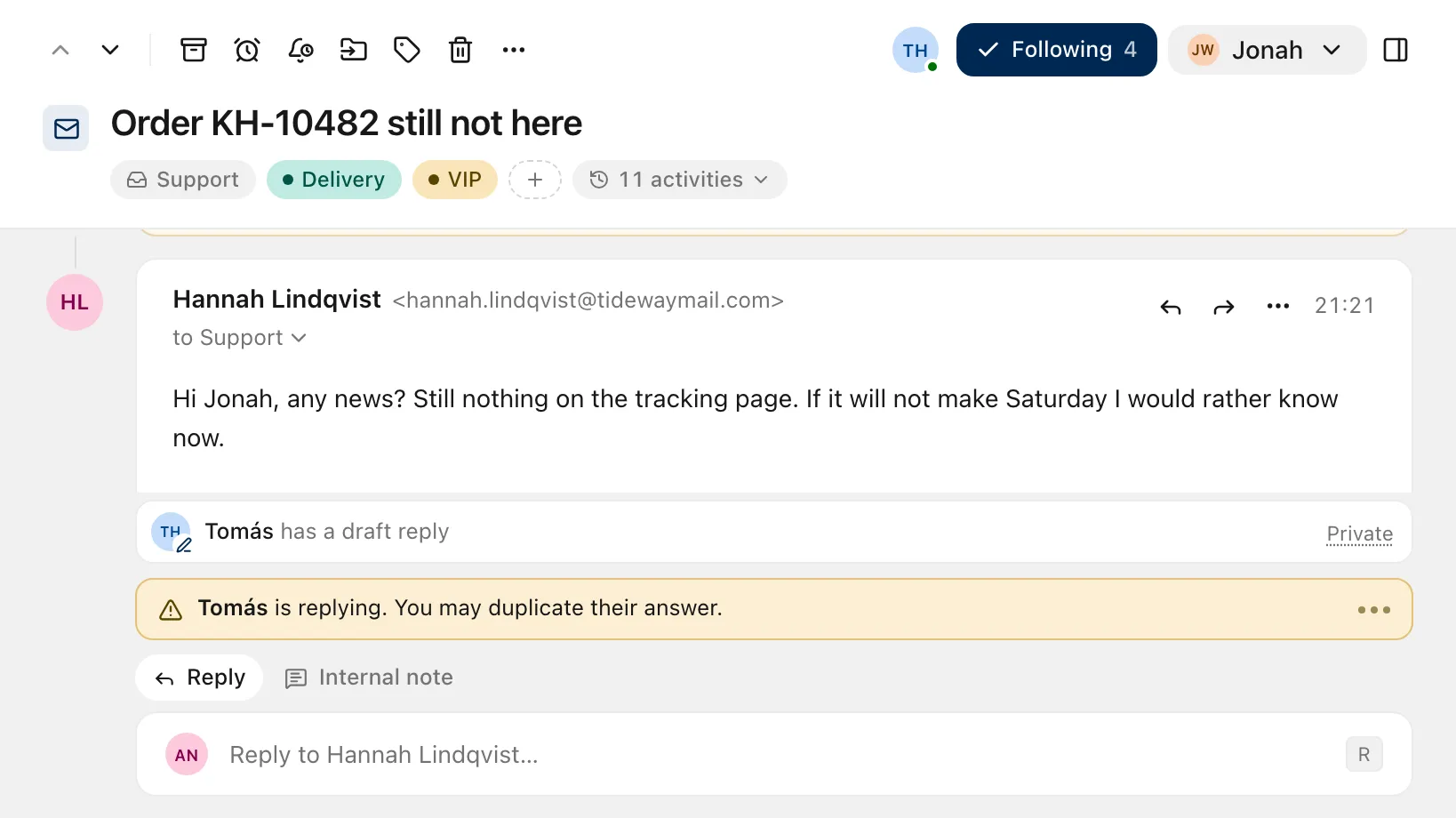
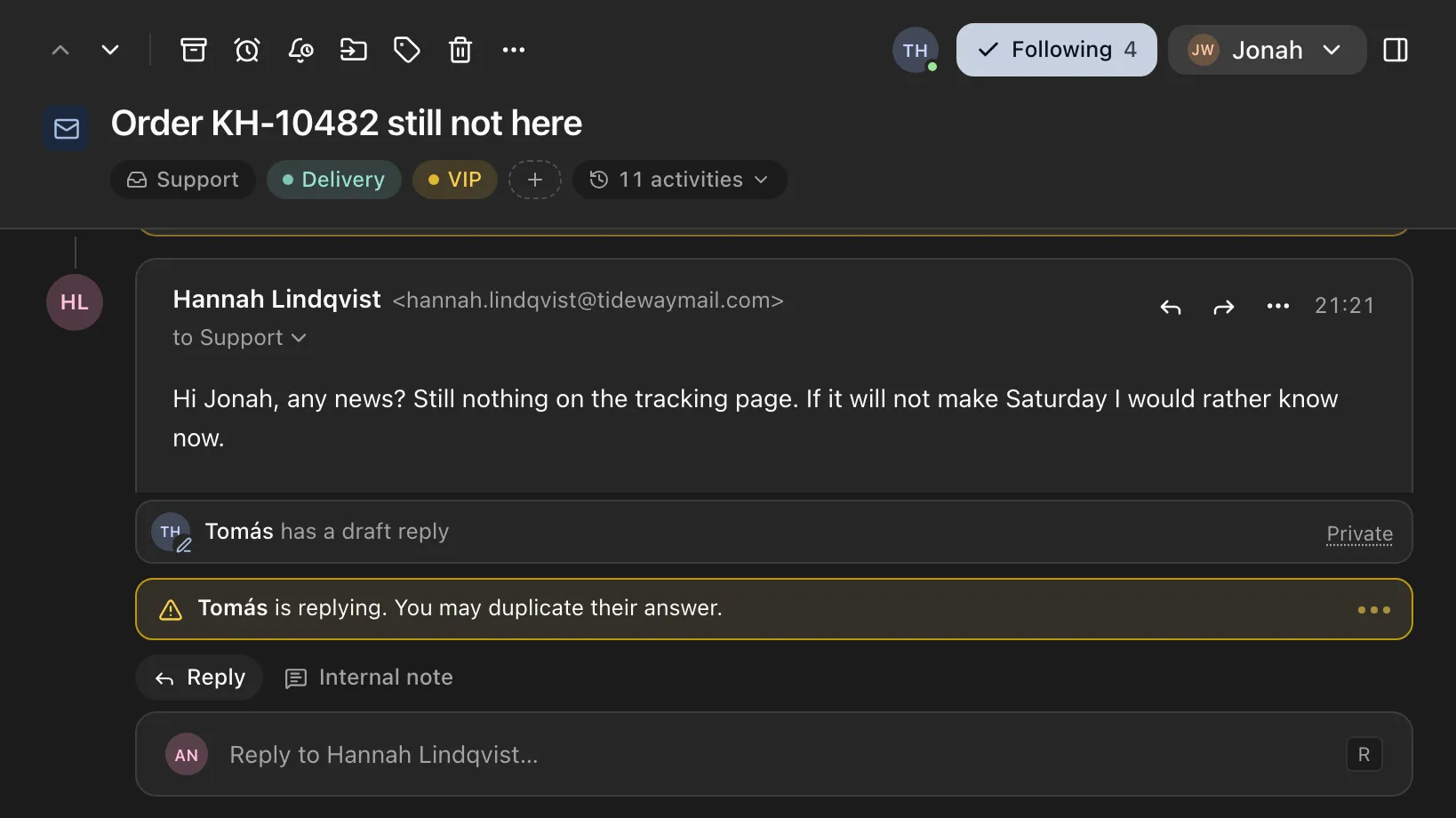
More about draftsAvatars show who is viewing a conversation, replying or writing a note. If someone is already replying, you are told before you write the same answer twice.
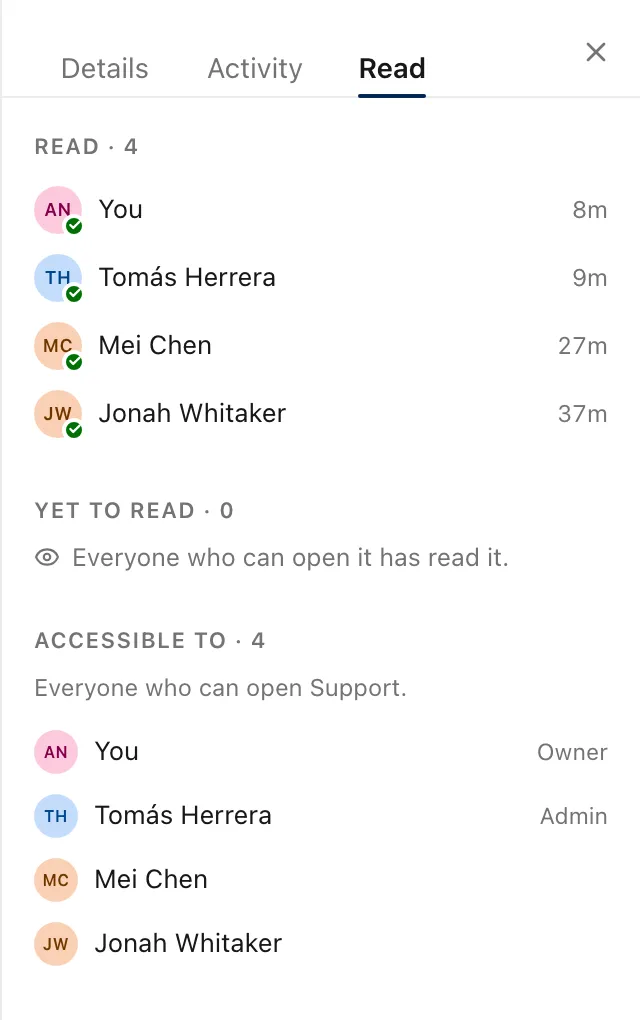
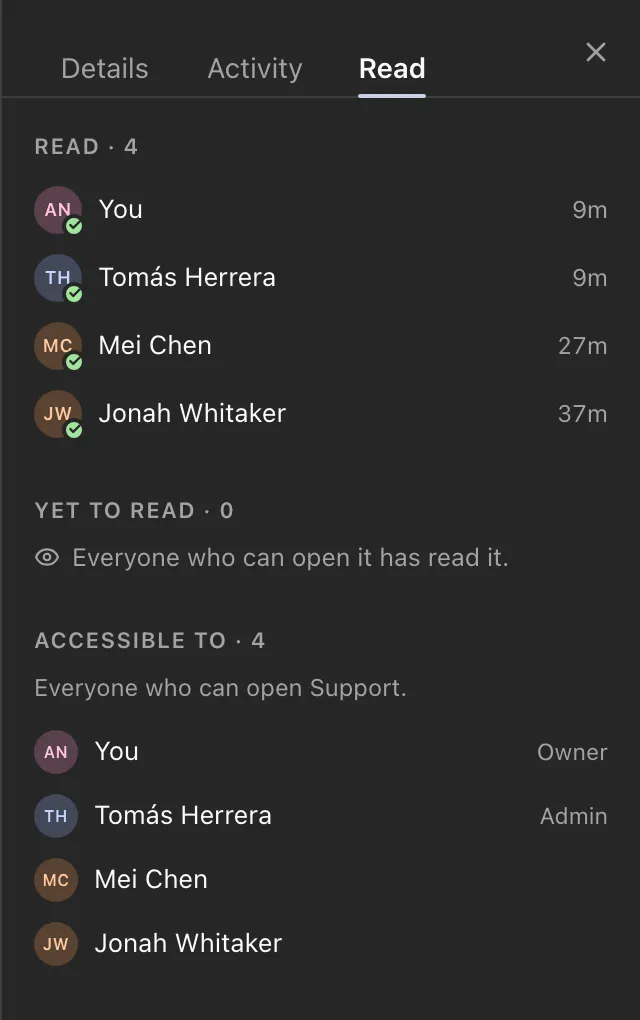
The Read tab lists who has read a conversation, who has yet to, and everyone with access to it.
The ZevInbox web app on a phone
The ZevInbox web app on a phone
The ZevInbox web app on a phone
Internal notes
Switch the reply box to Internal note and write to your team. Mention someone with @ and they get a notification. Notes sit in the thread next to the email they are about.
Shared drafts
Share a reply with a teammate and write it together, with each other’s cursors and names on screen.
More about drafts The ZevInbox web app on a phone
Presence
Avatars show who is viewing a conversation, replying or writing a note. If someone is already replying, you are told before you write the same answer twice.
The ZevInbox web app on a phone
Read status
The Read tab lists who has read a conversation, who has yet to, and everyone with access to it.
The ZevInbox web app on a phone
Everything that happened, in order
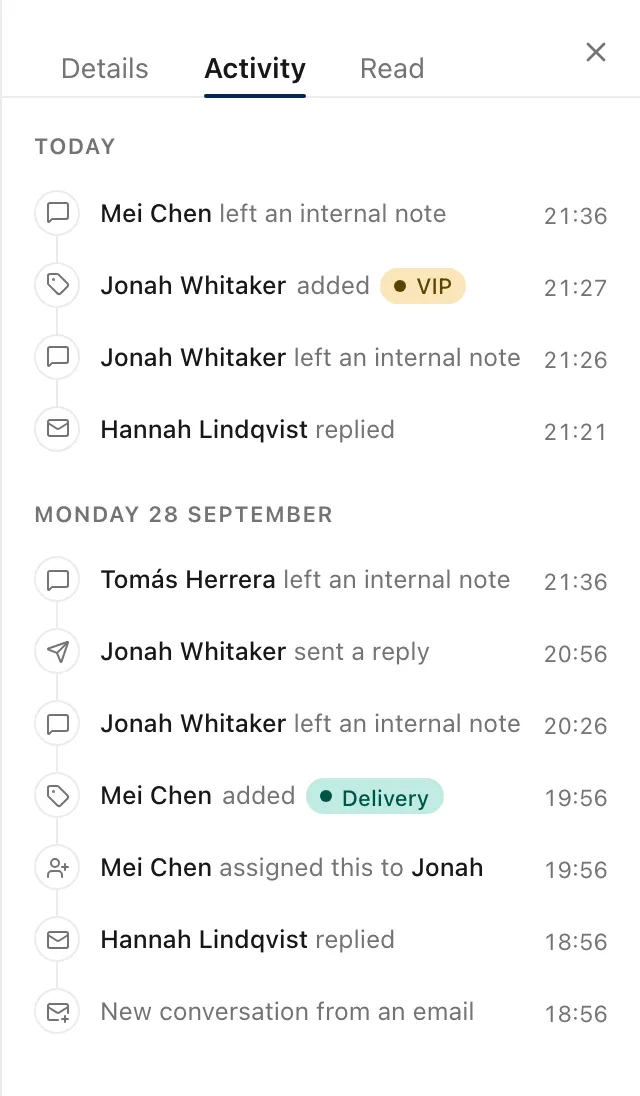
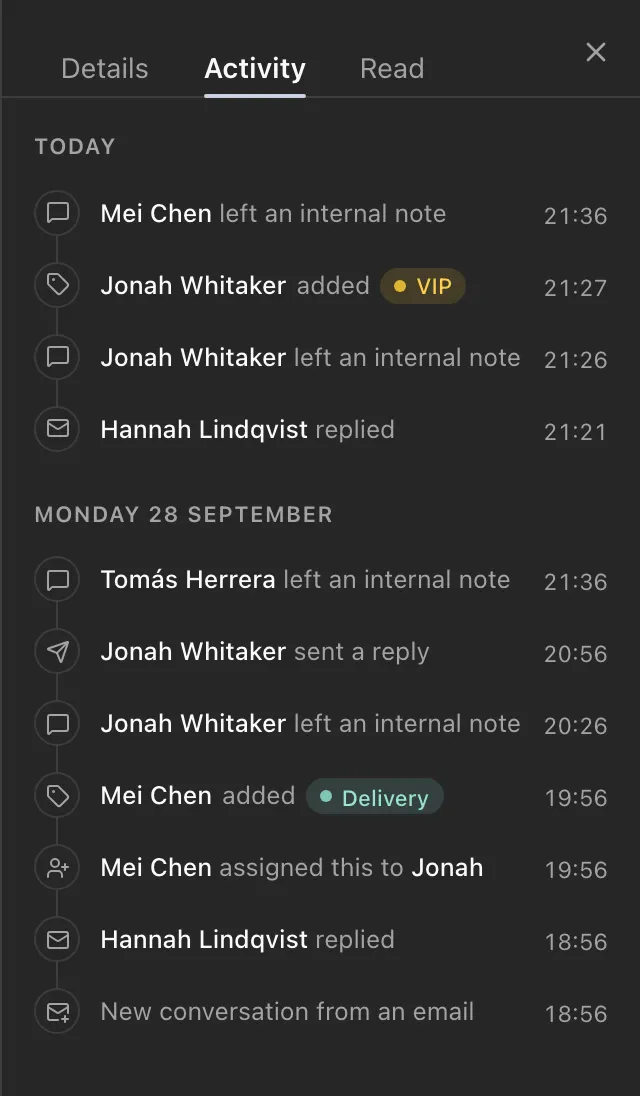
The Activity tab records every assignment, tag, snooze and move on a conversation, grouped so a long history stays readable.
The ZevInbox web app on a phone
Live, for everyone
ZevInbox keeps a live connection open, so nobody has to refresh.
- New mail and notes
-
Appear in the list and the thread as they arrive.
- Assignments and status
-
Change for everyone the moment someone acts.
- Following
-
Follow a conversation to hear when the customer replies. Add or remove followers from the Details tab.
- Offline
-
If the connection drops, the app says so and syncs your changes when you are back.
Start with the Free plan
Free for up to 10 people, 5 inboxes and one custom domain. Paid plans are coming.
Free to start. Paid plans are coming.