Compose and drafts
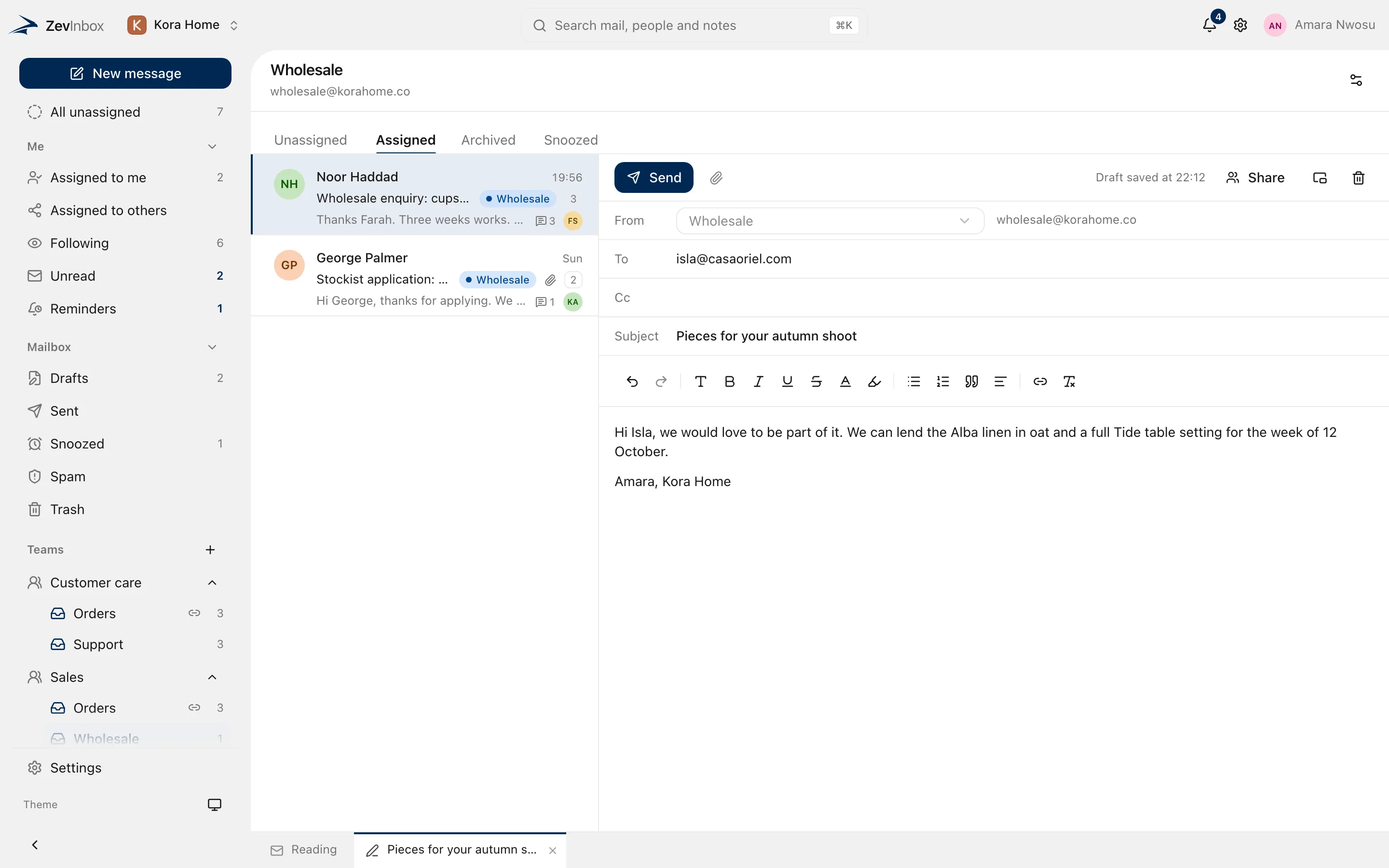
Write replies in tabs, and write them together
A rich editor, drafts that open as tabs beside your conversations, and drafts a teammate can write with you at the same time.
The ZevInbox web app on a phone
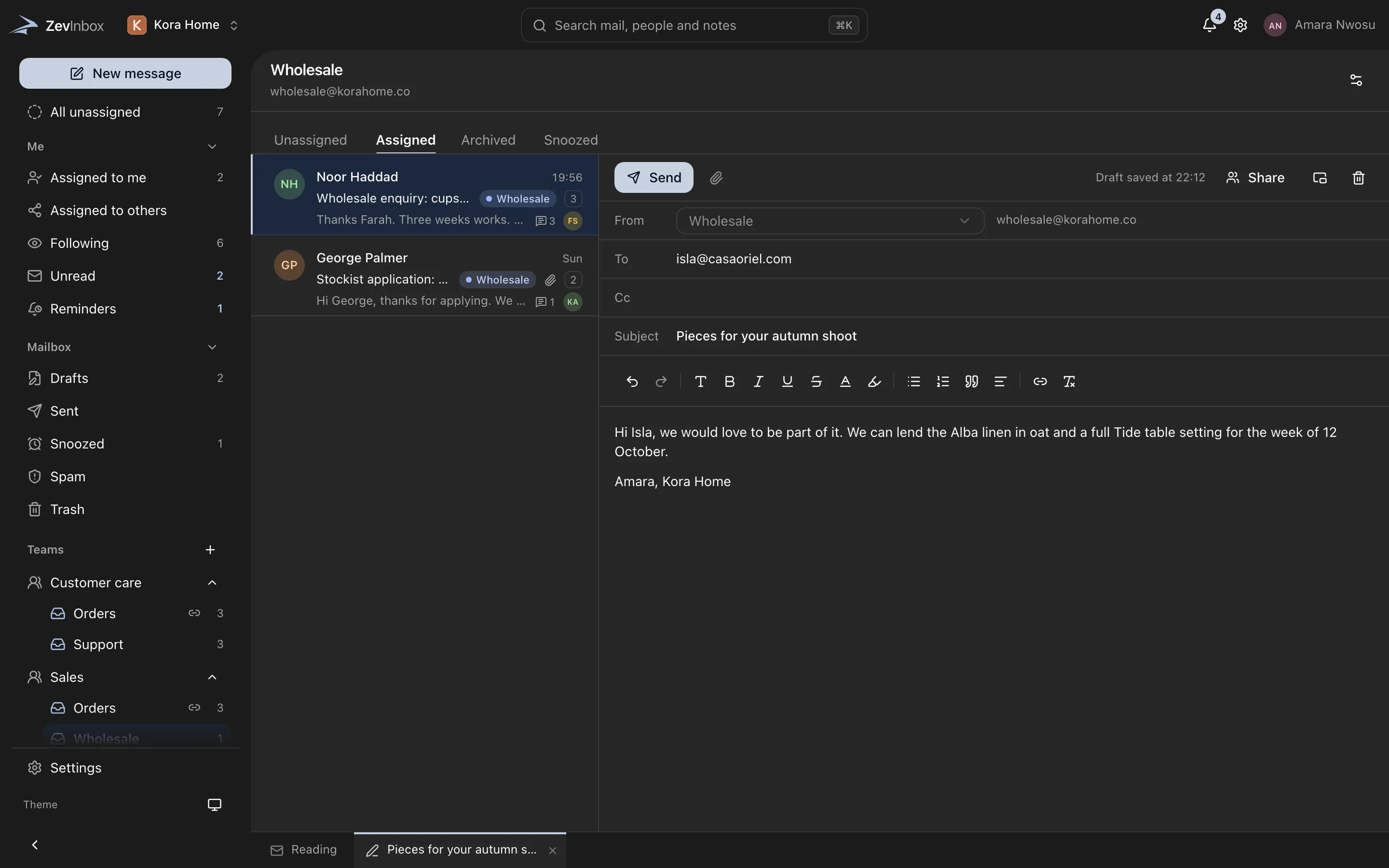
Start a reply and it opens as a tab next to Reading. Move between conversations and drafts without losing your place.
Pop a draft out into its own window, minimize it, or bring it back into the conversation.
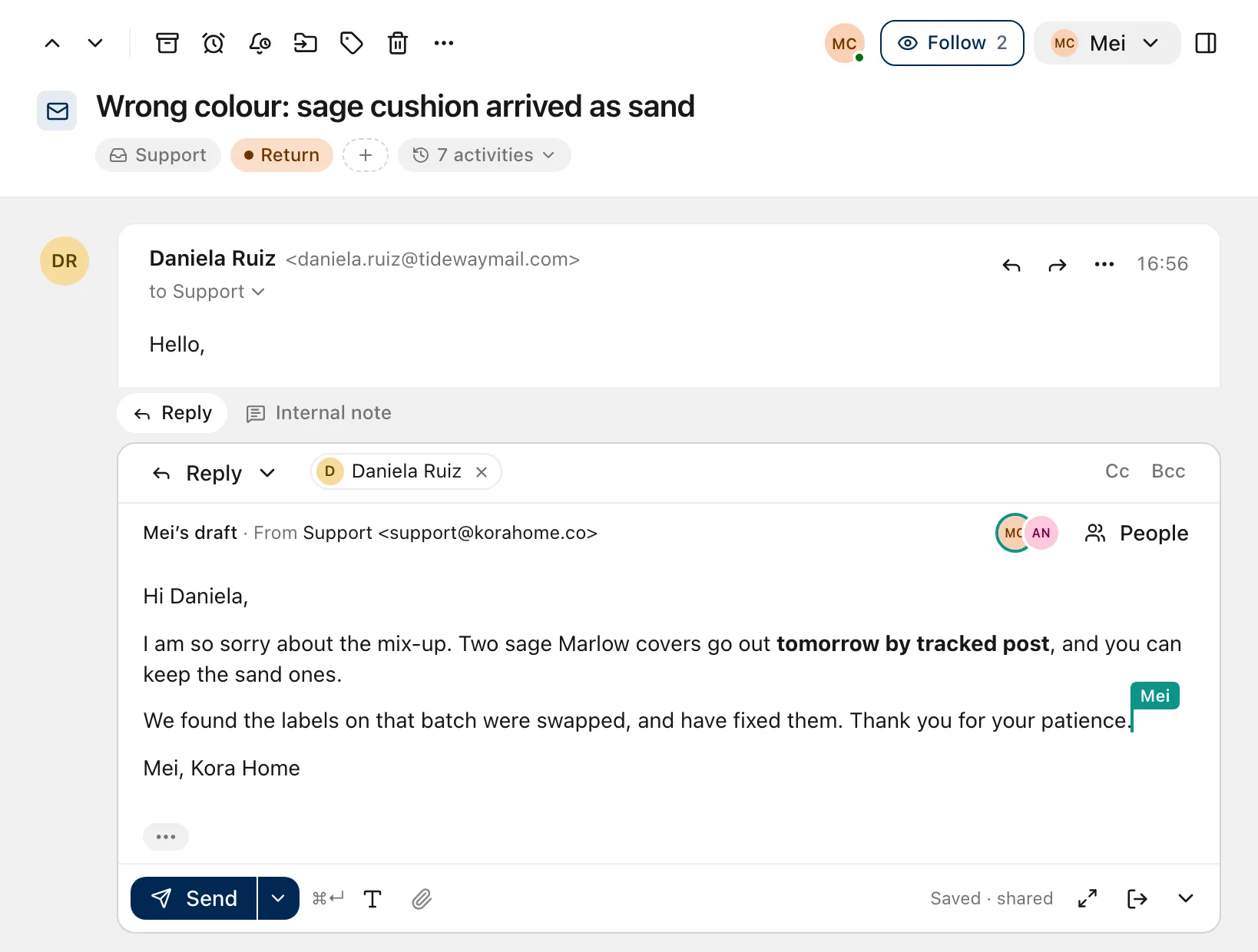
Two people, one draft
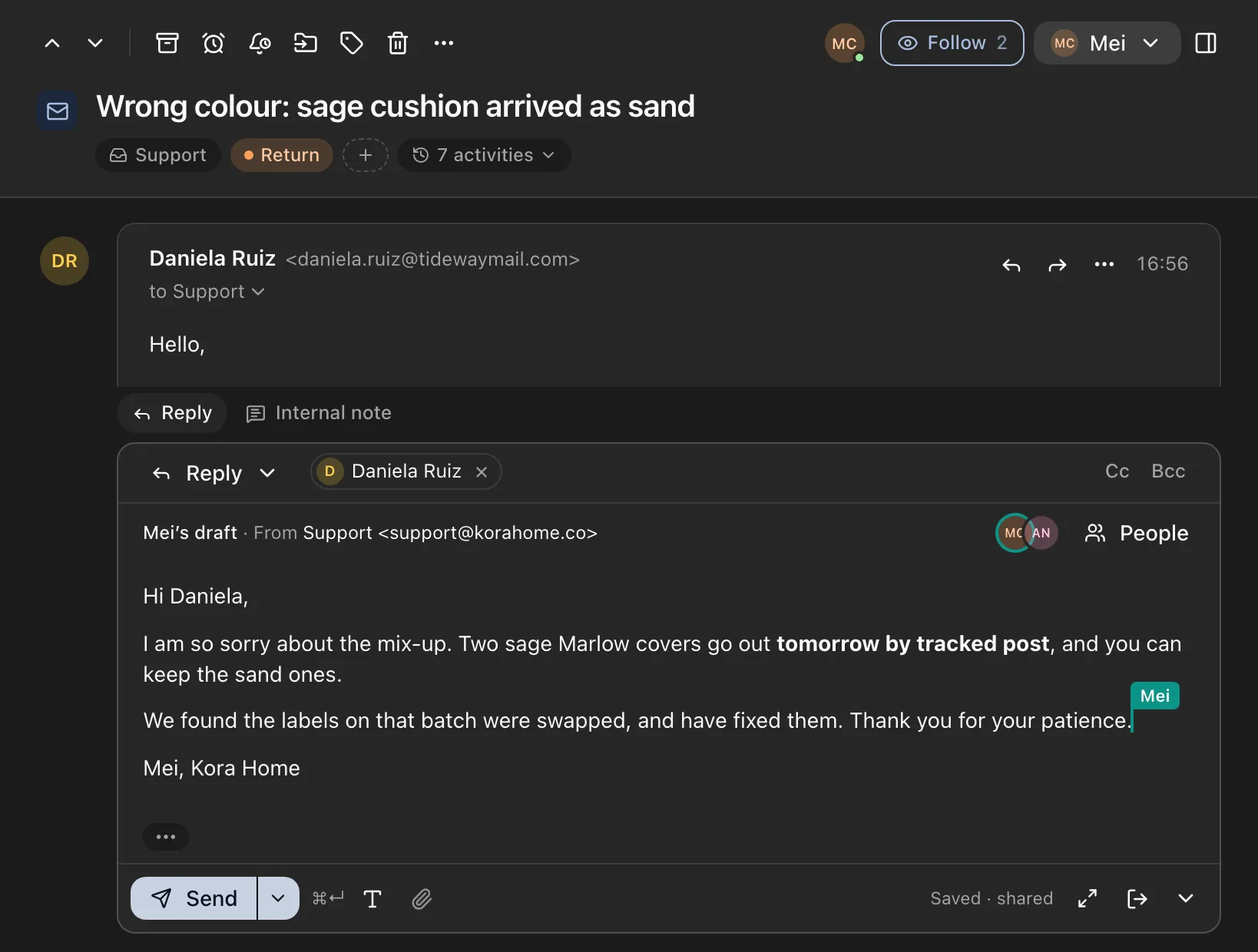
Share a draft with a teammate and write it together. You see each other’s cursors, with names, as you type. Anyone on the draft can leave it, and discarding it removes it for everyone.
- Live cursors with names
- Leave a draft, or discard it for everyone
The ZevInbox web app on a phone
Saved as you type.
Each change is kept on your device at once and on the server a moment later, so a closed tab or a dropped connection does not cost you a reply.
What the editor does
- Formatting
-
Bold, italic, underline, strikethrough, text size, colour and highlight.
- Structure
-
Bulleted and numbered lists, quotes, alignment and links.
- Replies
-
Reply, Reply all and Forward, with Cc and Bcc on replies.
- Sending
-
Send, Send and archive, or send and snooze in one step.
- Undo send
-
A few seconds to take it back after you press Send.
Start with the Free plan
Free for up to 10 people, 5 inboxes and one custom domain. Paid plans are coming.
Free to start. Paid plans are coming.