Teams and access
Give each person the inboxes they need
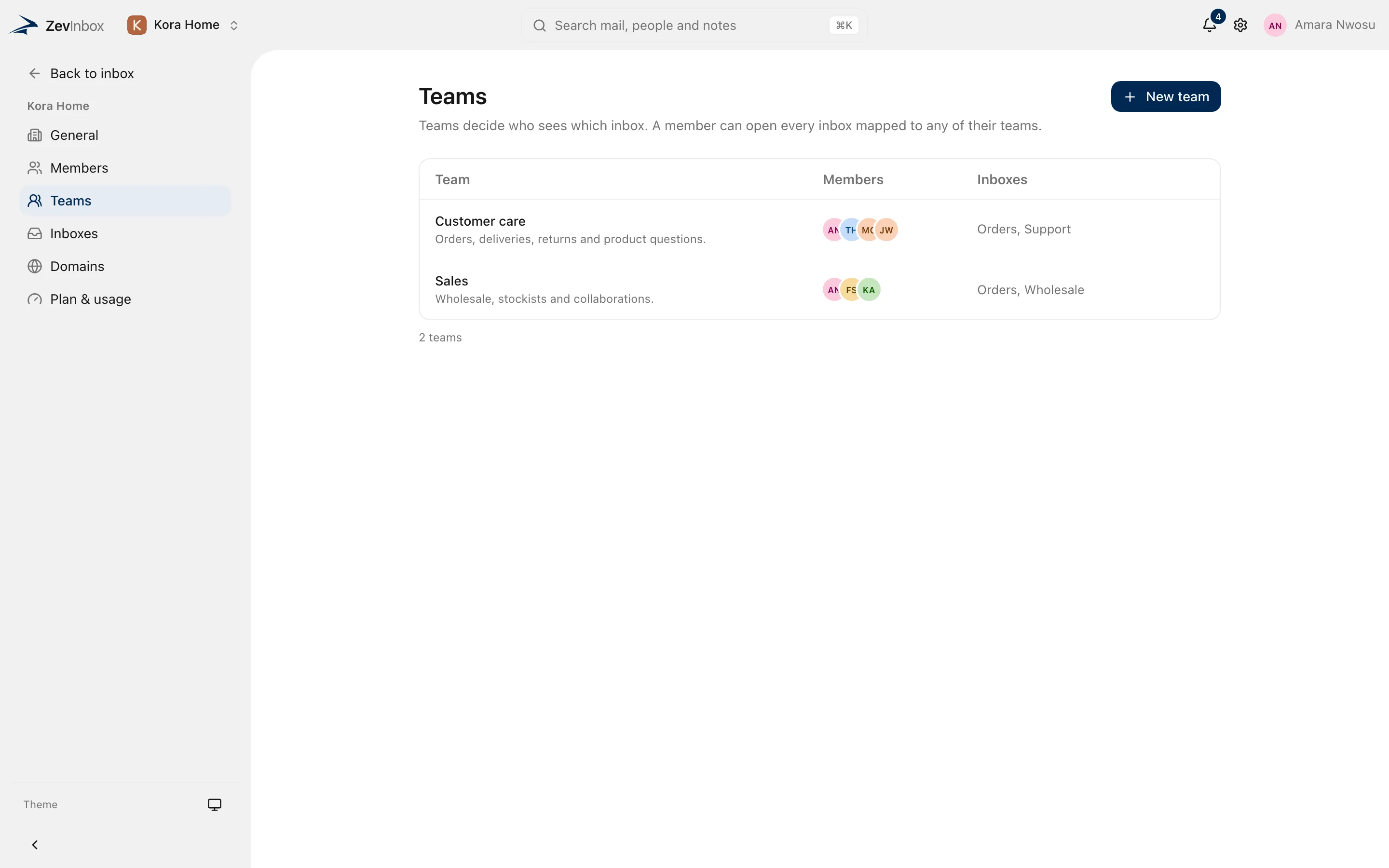
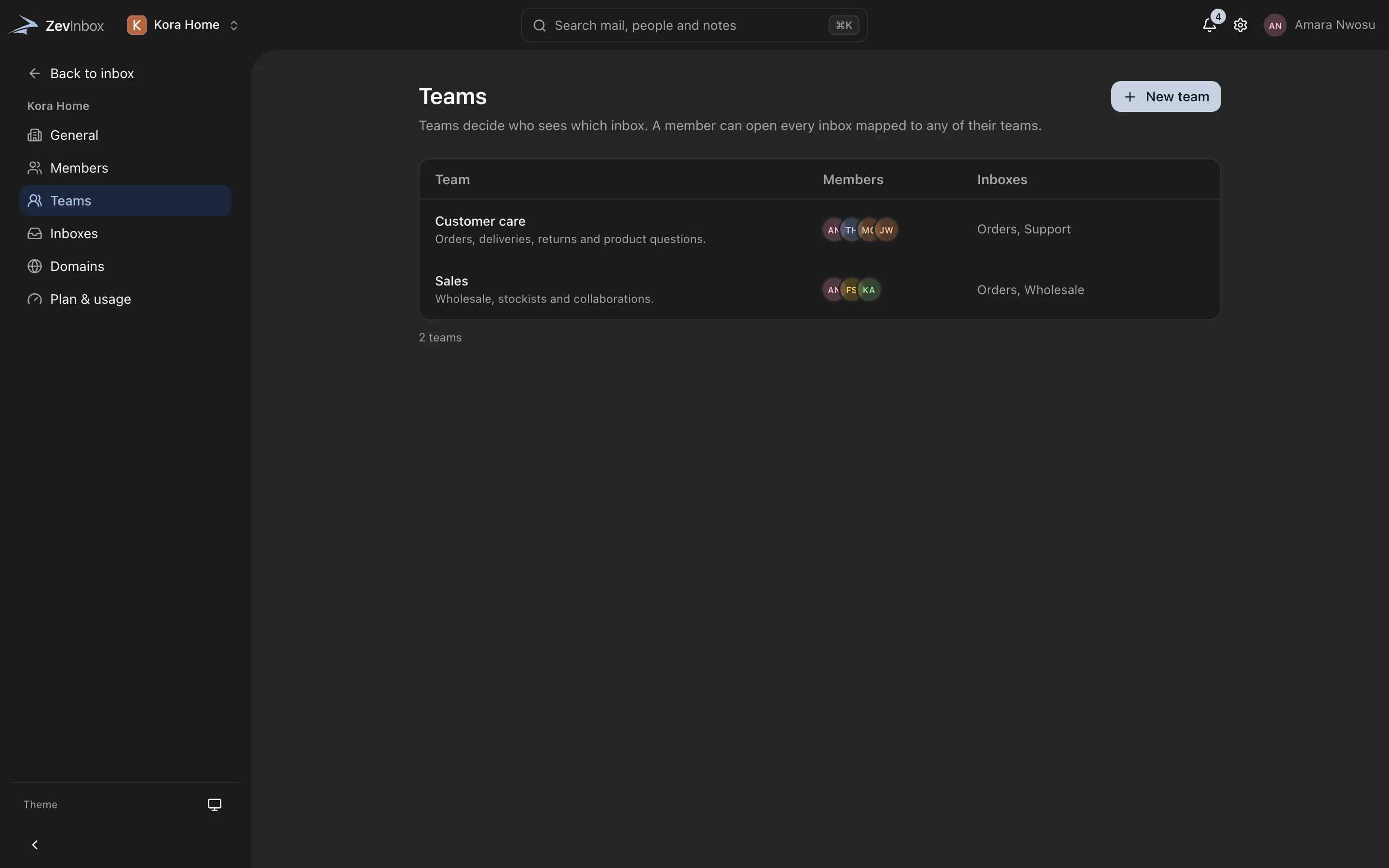
Your organization has teams, and teams have inboxes. People see the inboxes their teams use, and roles decide who can change what.
The ZevInbox web app on a phone
Organization, then teams, then inboxes
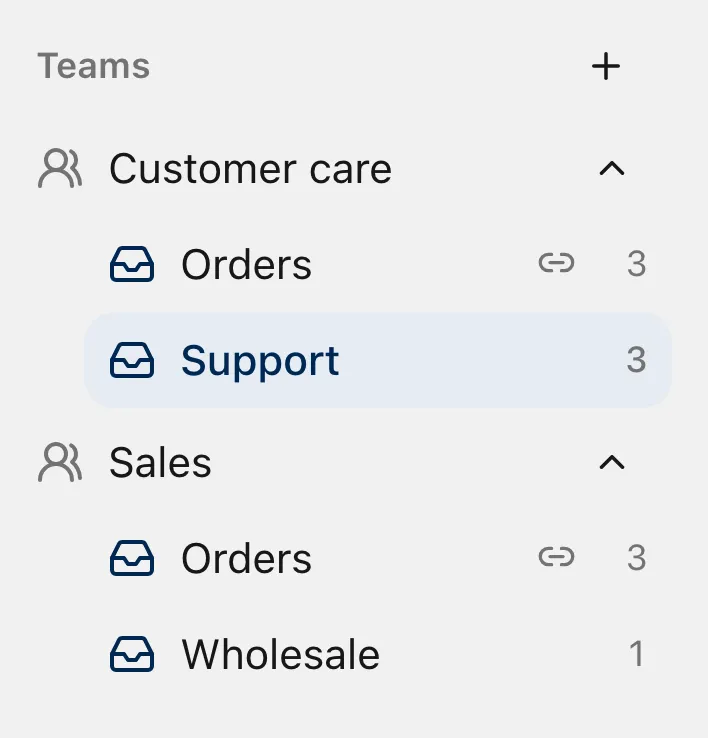
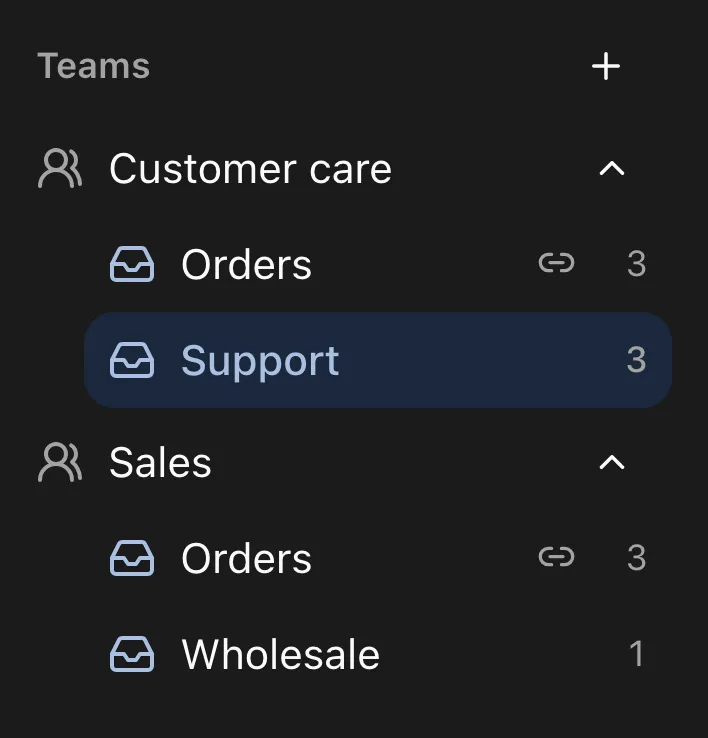
One organization for your business. Teams for the people who work together. Inboxes for each shared address. An inbox can be shared by several teams and stays one inbox.
Roles
Three roles in the organization, and a lead role inside a team.
| Capability | Owner | Admin | Member |
|---|---|---|---|
| Answer mail in their teams’ inboxes | Yes | Yes | Yes |
| See every inbox | Yes | Yes | No |
| Manage members, teams, inboxes and domains | Yes | Yes | No |
| Release quarantined mail | Yes | Yes | No |
| Transfer ownership or delete the organization | Yes | No | No |
A team lead can manage the members of their own team.
Invite people by email
Choose a role and teams as you invite. Pending invitations stay listed until they are accepted, and you can revoke one at any time.
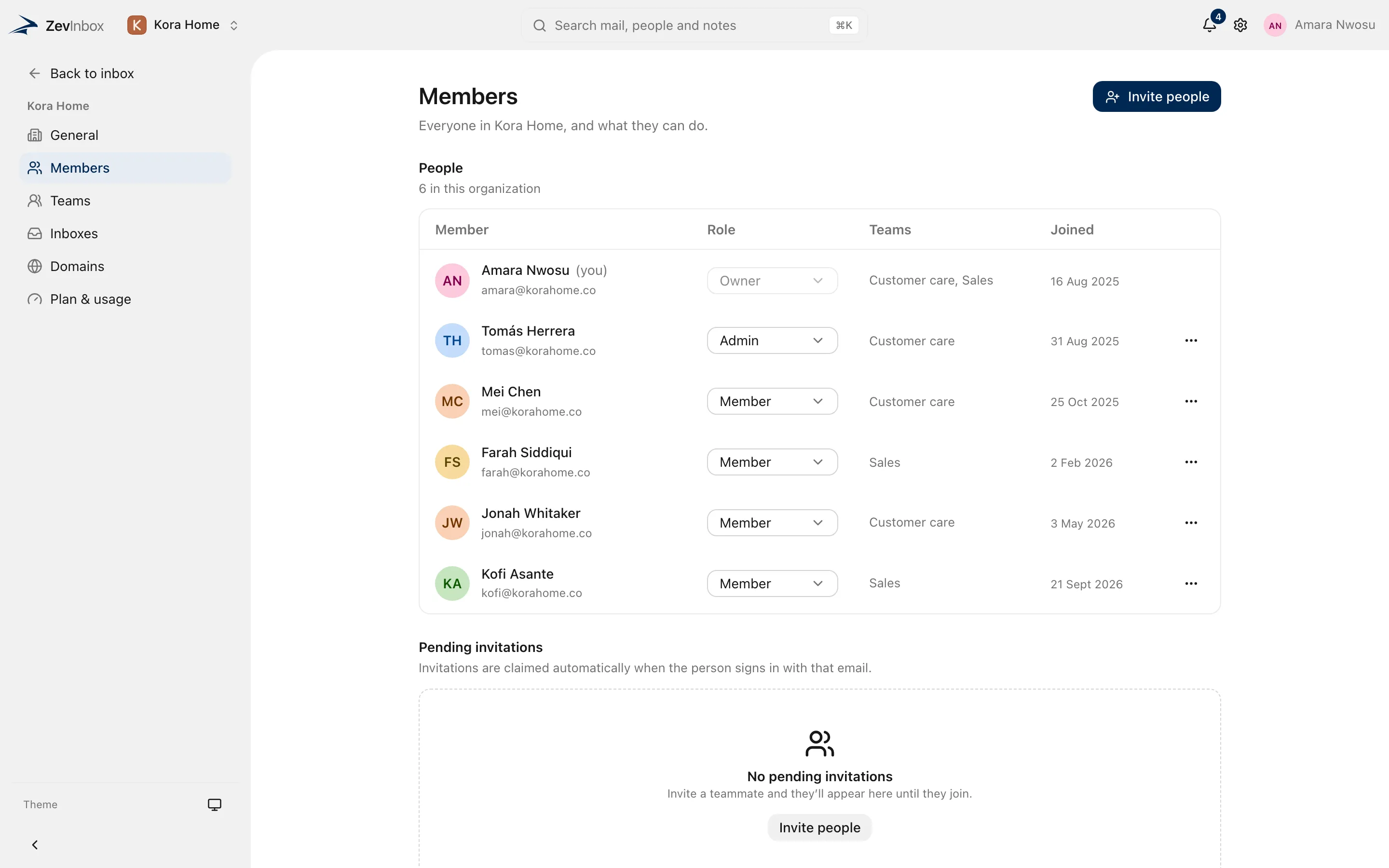
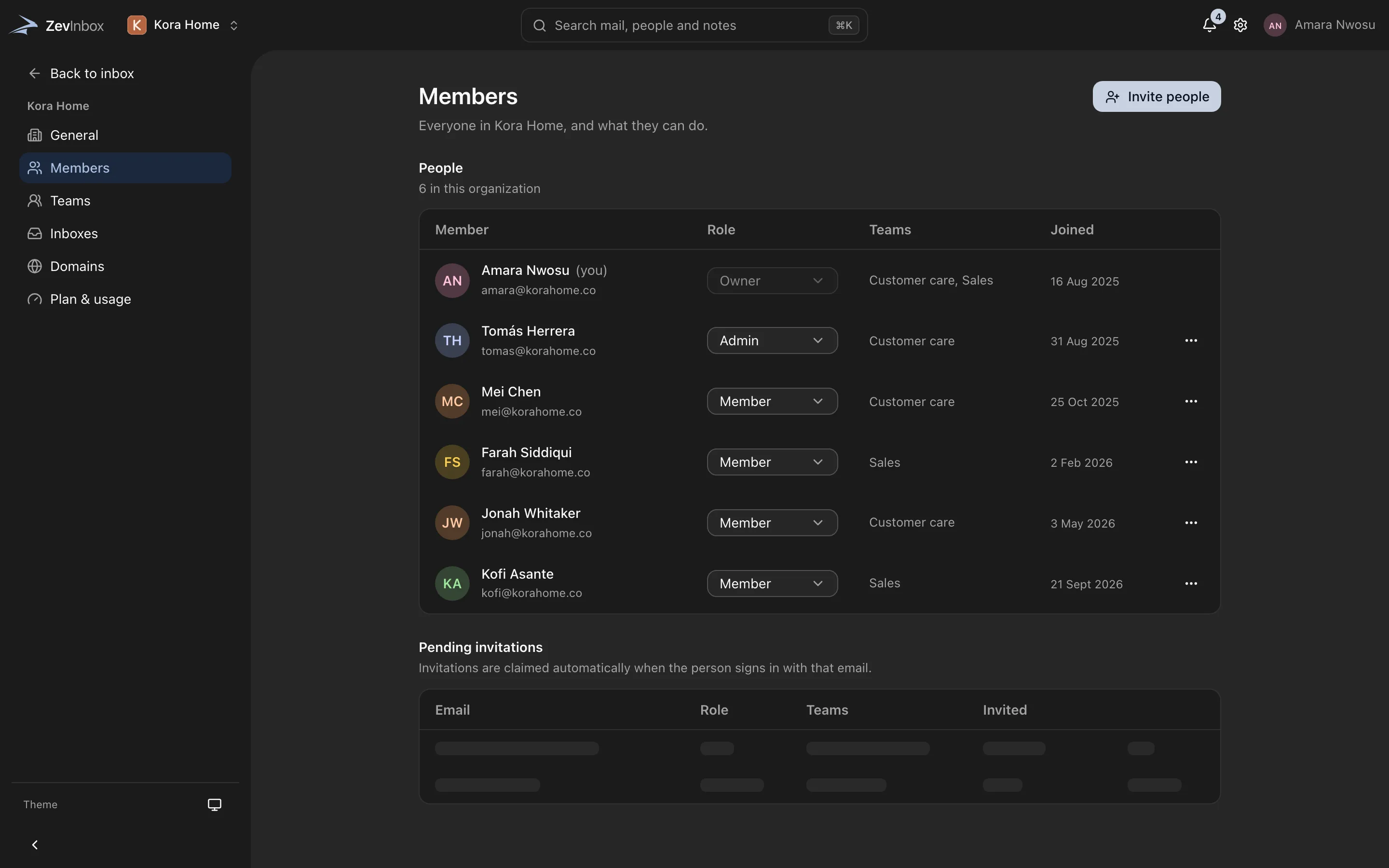
The ZevInbox web app on a phone
Nothing is deleted by accident.
Deleting an organization means typing its name, and it can be restored for 30 days. Ownership can be handed to an admin.
Start with the Free plan
Free for up to 10 people, 5 inboxes and one custom domain. Paid plans are coming.
Free to start. Paid plans are coming.