Full mailbox or keep your current provider
The two ways ZevInbox can handle mail for your domain, and how to choose.
Updated 2 min read
When you add your domain, ZevInbox asks how it should handle that domain's email. There are two choices, and you can switch later.
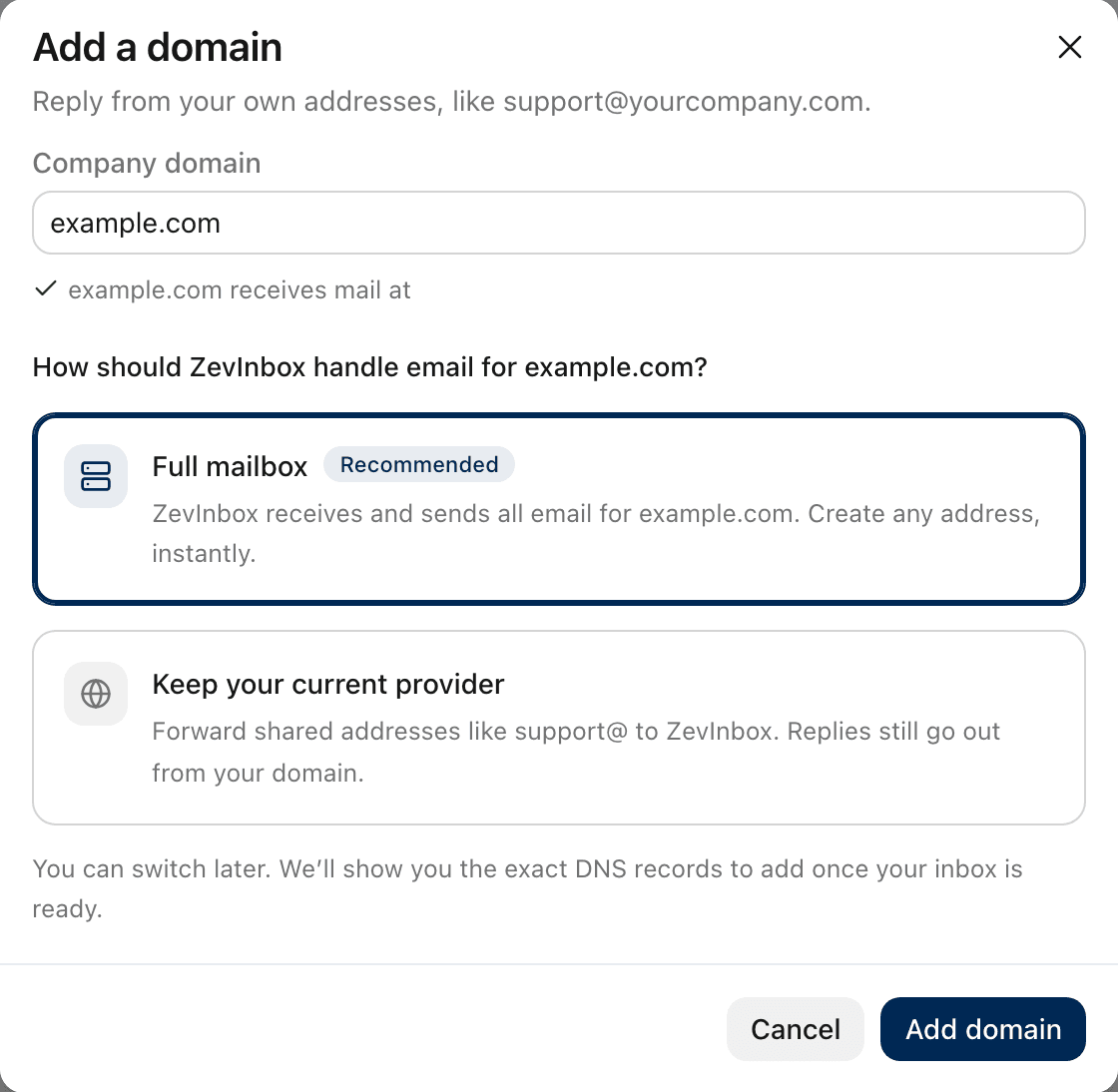
Full mailbox
ZevInbox receives and sends all email for your domain. You can create any address, like support@ or orders@, instantly, without setting anything up elsewhere.
Choose it when:
your domain has no email yet, or
you are moving all of its email to ZevInbox.
Keep your current provider
Your personal email stays where it is, for example Google Workspace or Microsoft 365. You forward only the shared addresses, like support@, to ZevInbox. Replies still go out from your domain, from support@yourcompany.com.
Choose it when your team already has email on the domain and you only want the shared addresses in ZevInbox. This is the usual choice for an established business.
Which one ZevInbox recommends
When you type your domain, ZevInbox looks up where it receives mail today. If it finds an established provider, it recommends keeping it, and names it, for example Keep Microsoft 365. If the domain has no email set up, it recommends a full mailbox.
What changes between them
Full mailbox | Keep your current provider | |
|---|---|---|
Where mail arrives | ZevInbox | Your current provider, which forwards shared addresses |
Personal mailboxes | Stop working at the old provider | Keep working |
New addresses | Create them in ZevInbox | Create them at your provider, then forward |
DNS records | Includes an inbound MX record | Includes a reply MX record instead |
Replies come from | Your domain | Your domain |
Next
Was this helpful?
Still stuck?
Email hello@zevinbox.com with what you tried, and the team answers.